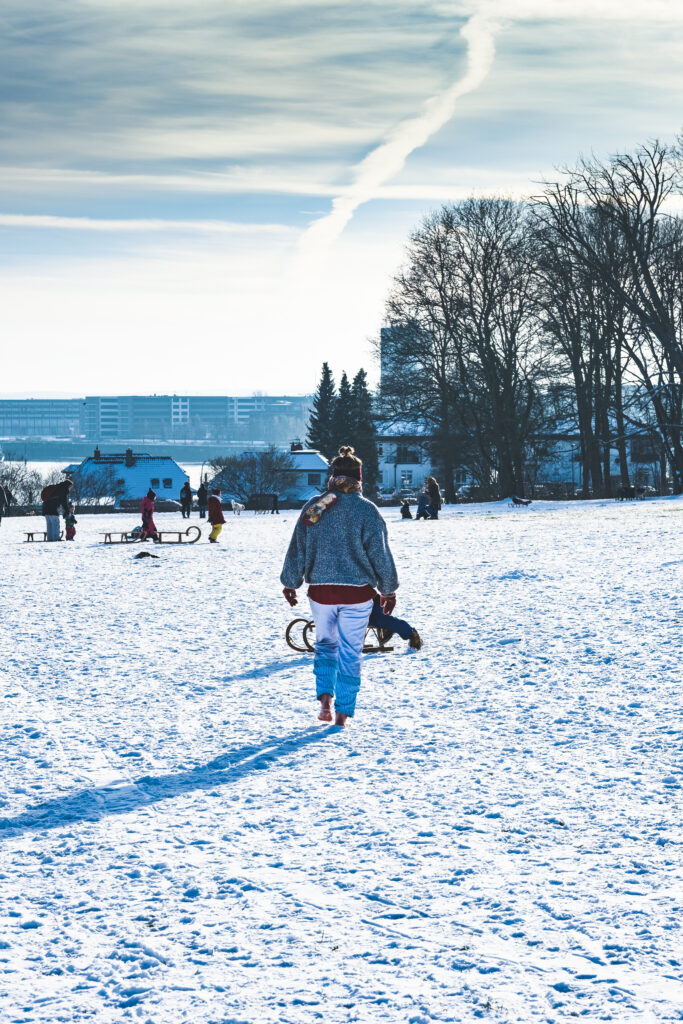
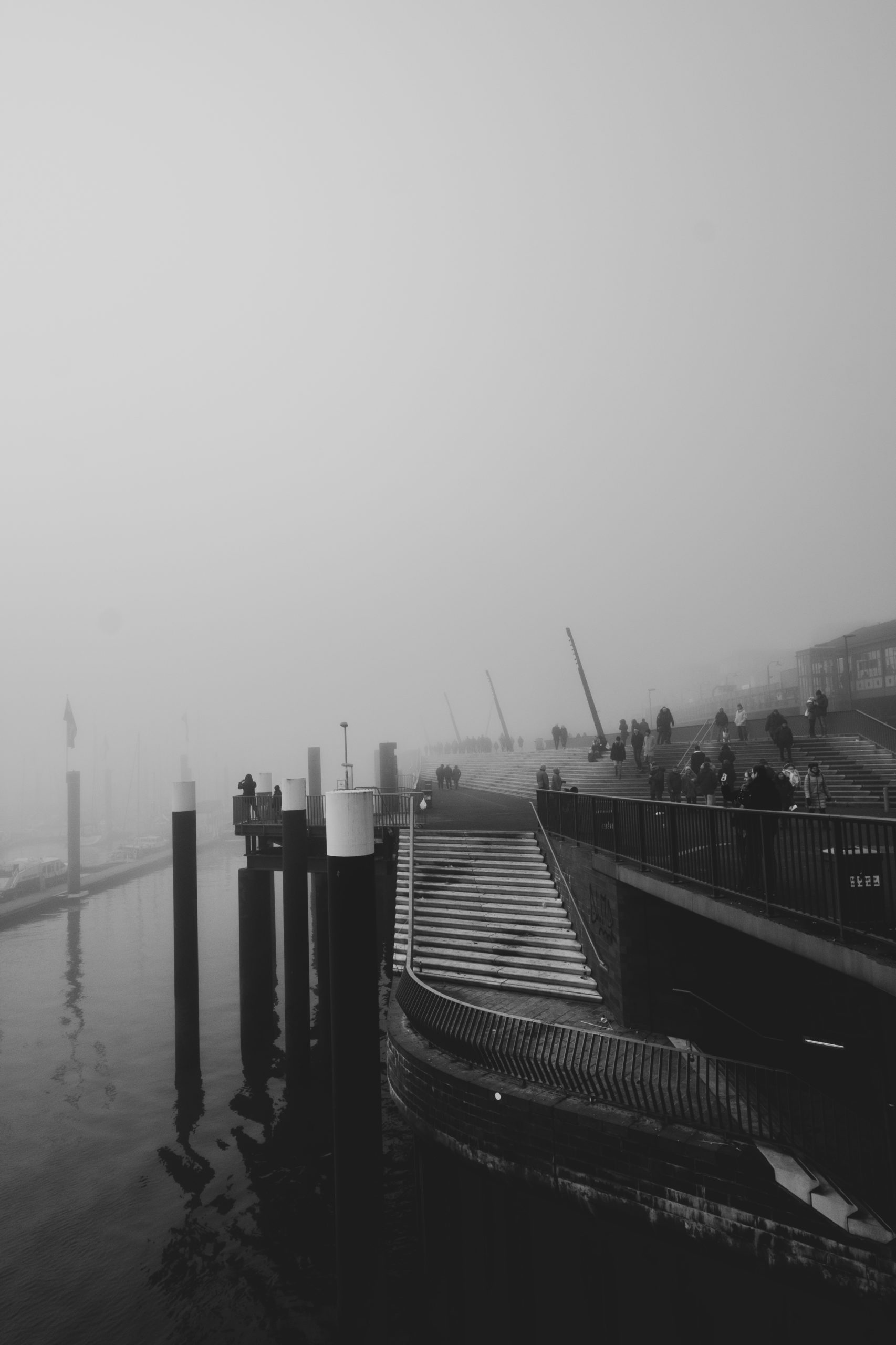
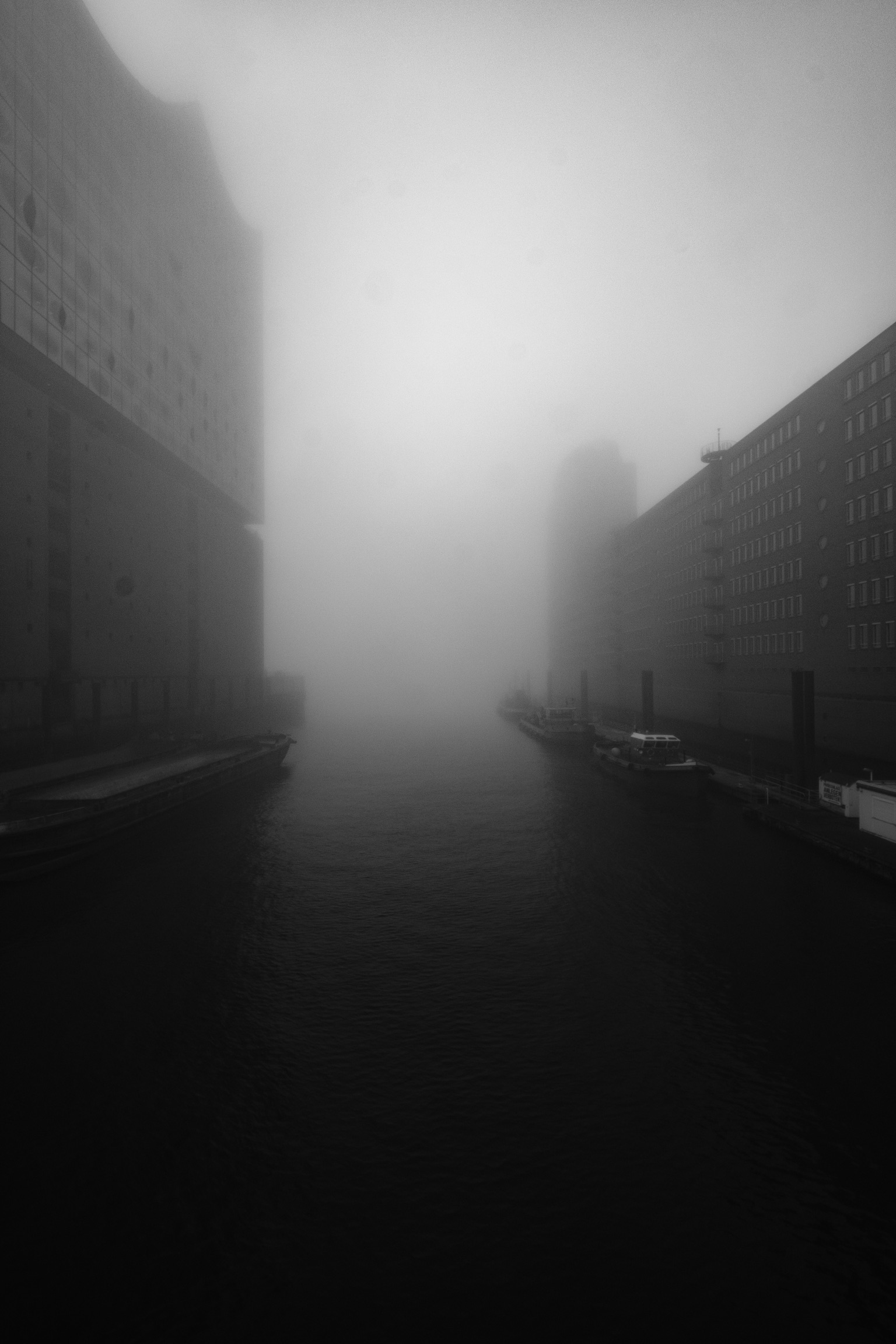
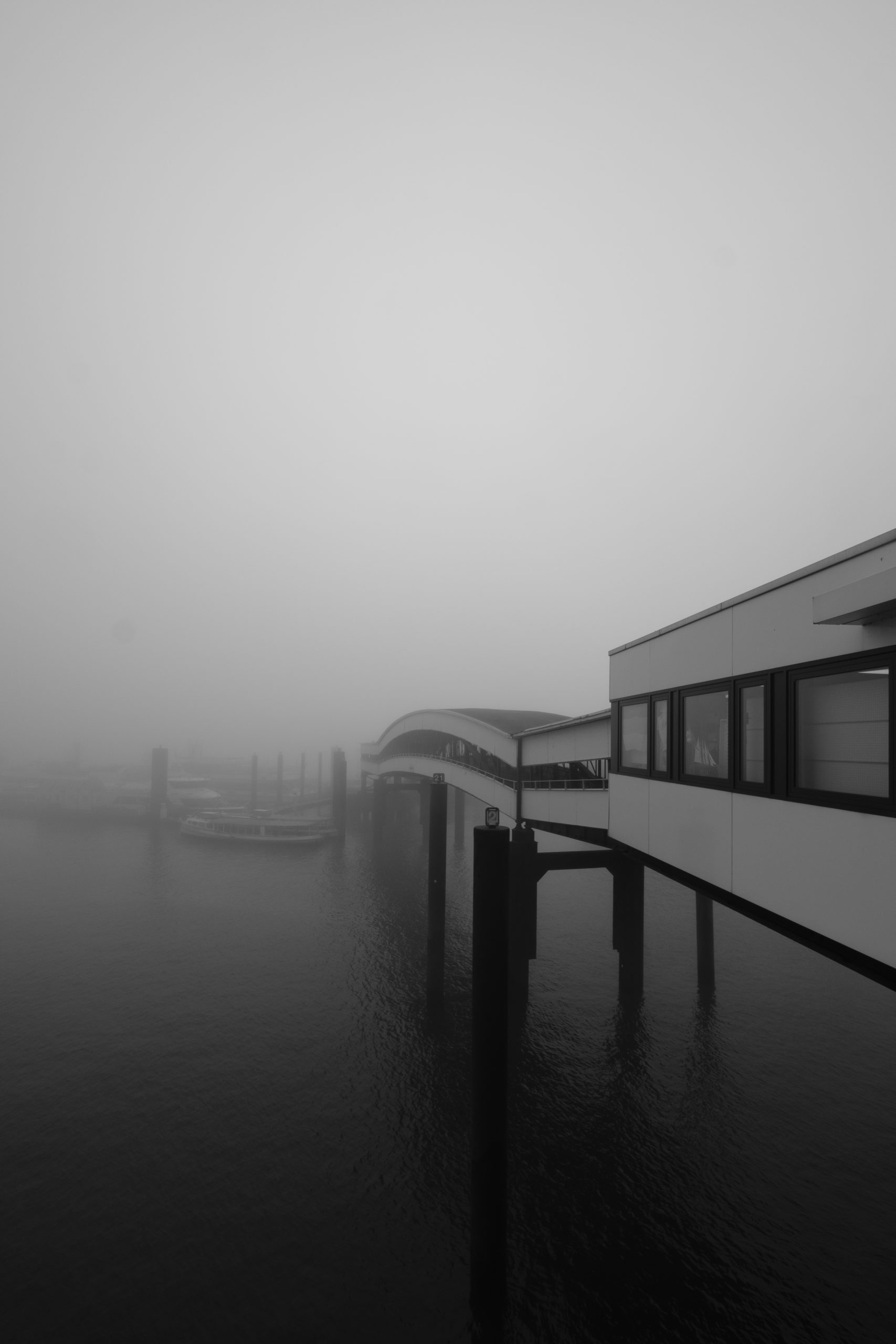
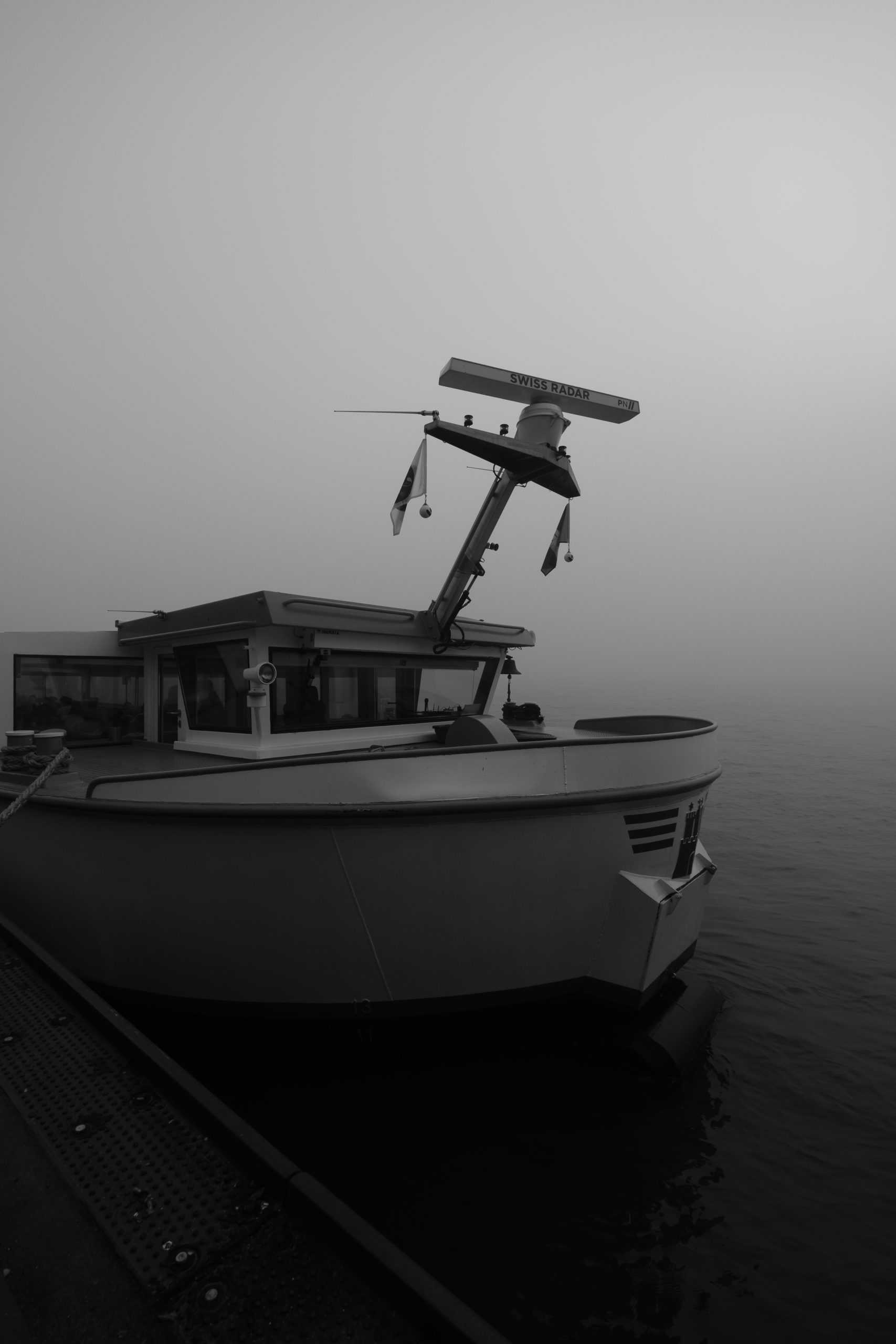
Auch der anhaltende Lockdown kann uns bei dem wunderbaren Wetter davon abhalten, die Natur zu genießen und die Kamera einzupacken. Stellenweise ist es gespenstisch ruhig aber wann hat man schon mal so viel Ruhe an der Elbe entlang?

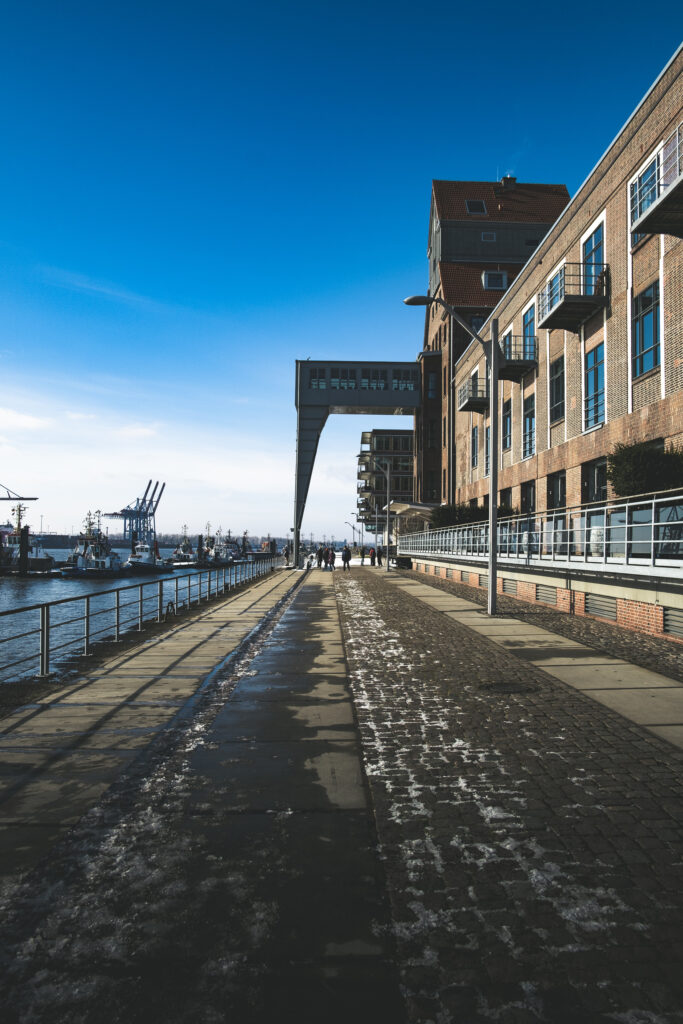



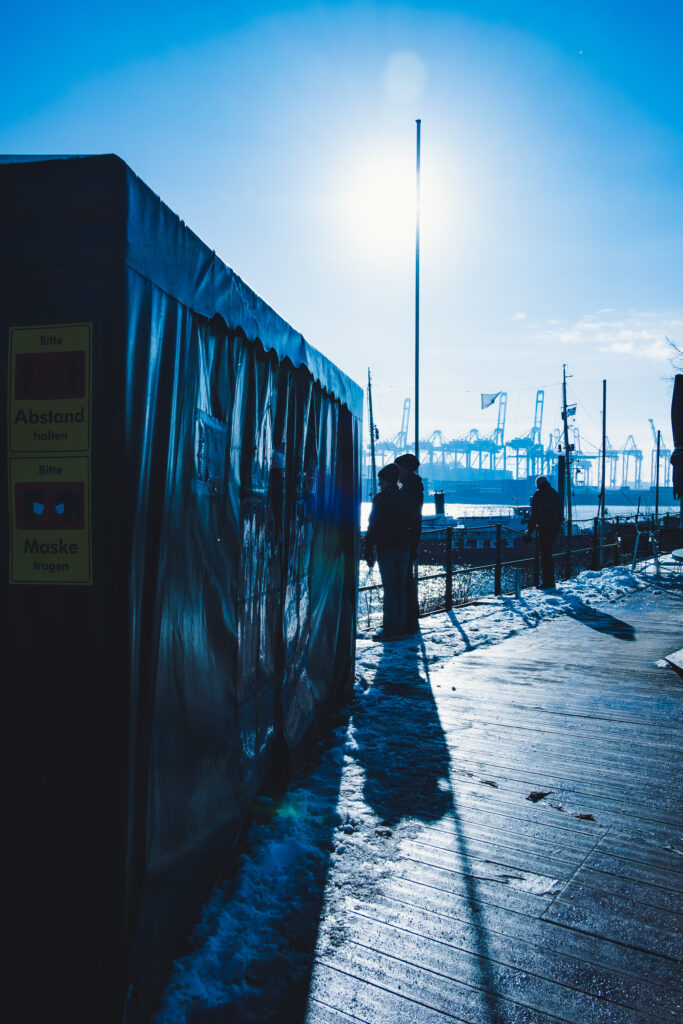
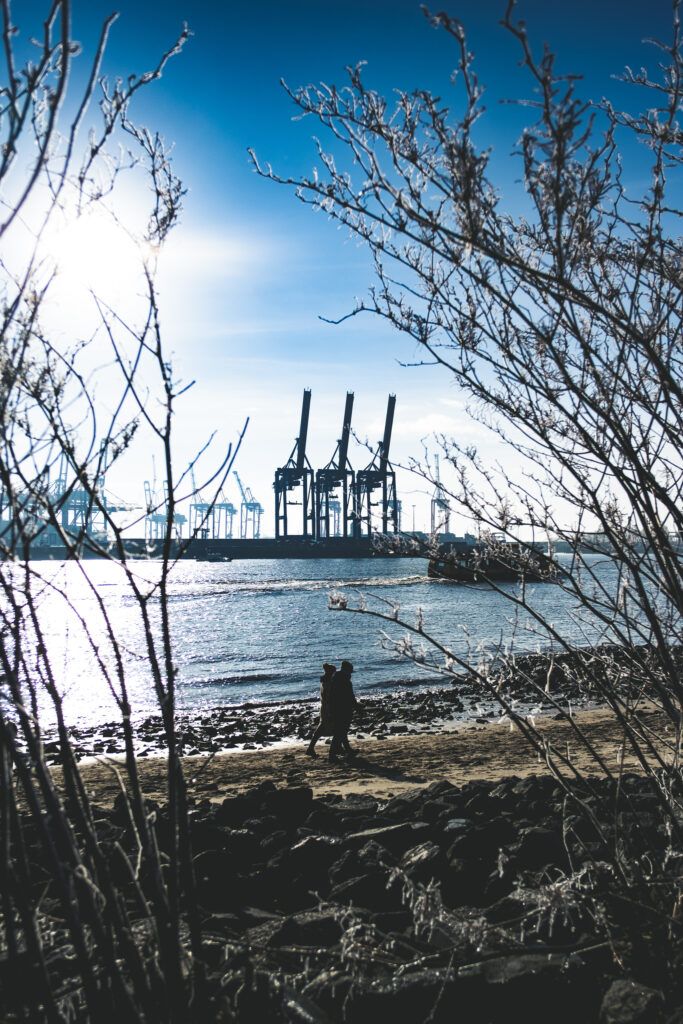
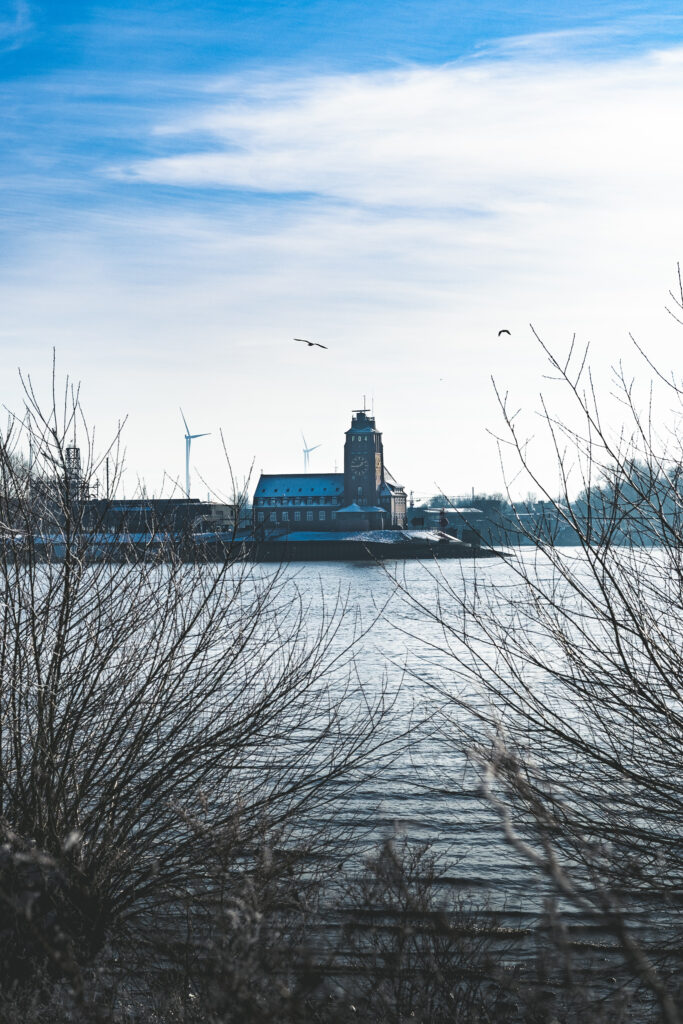
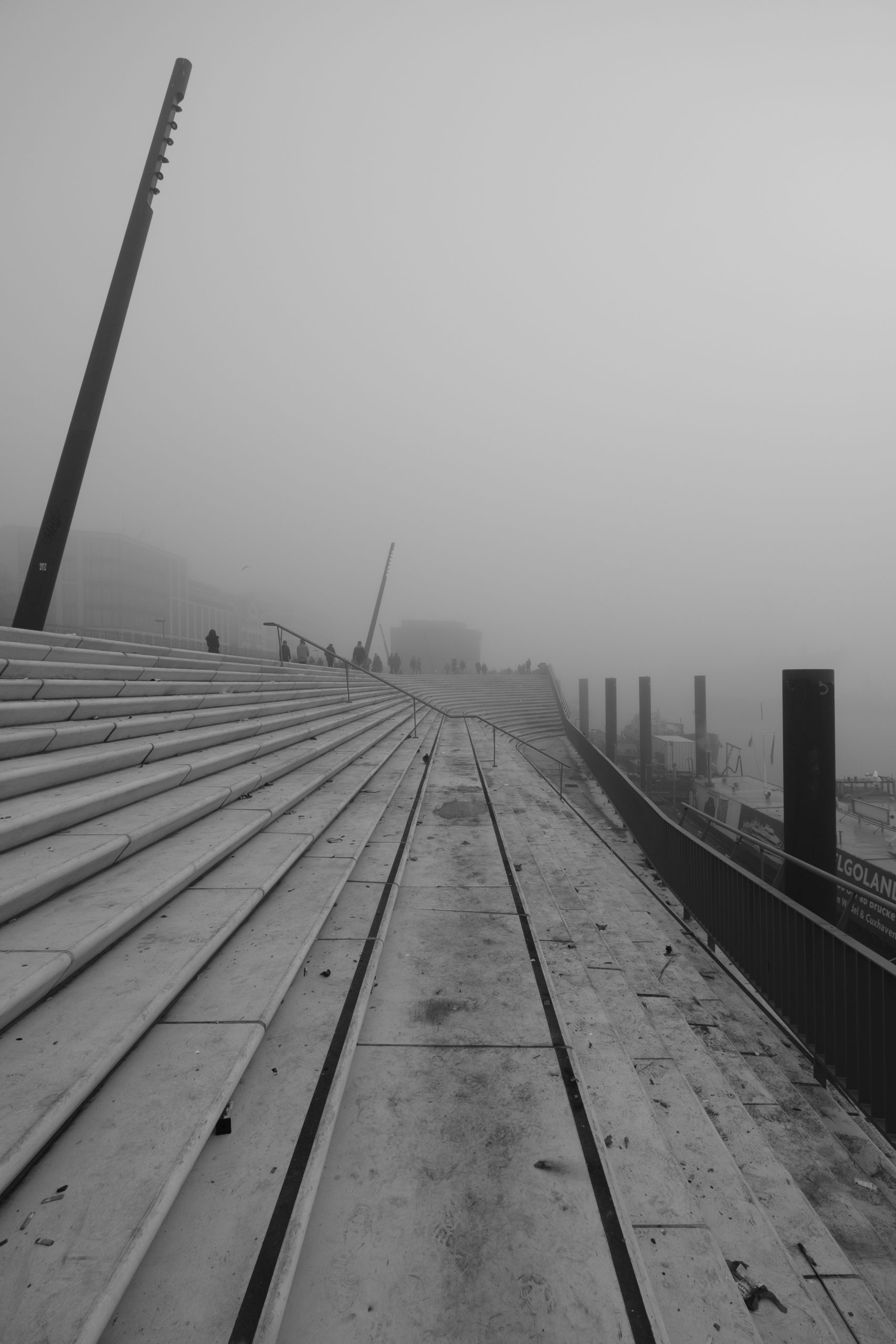
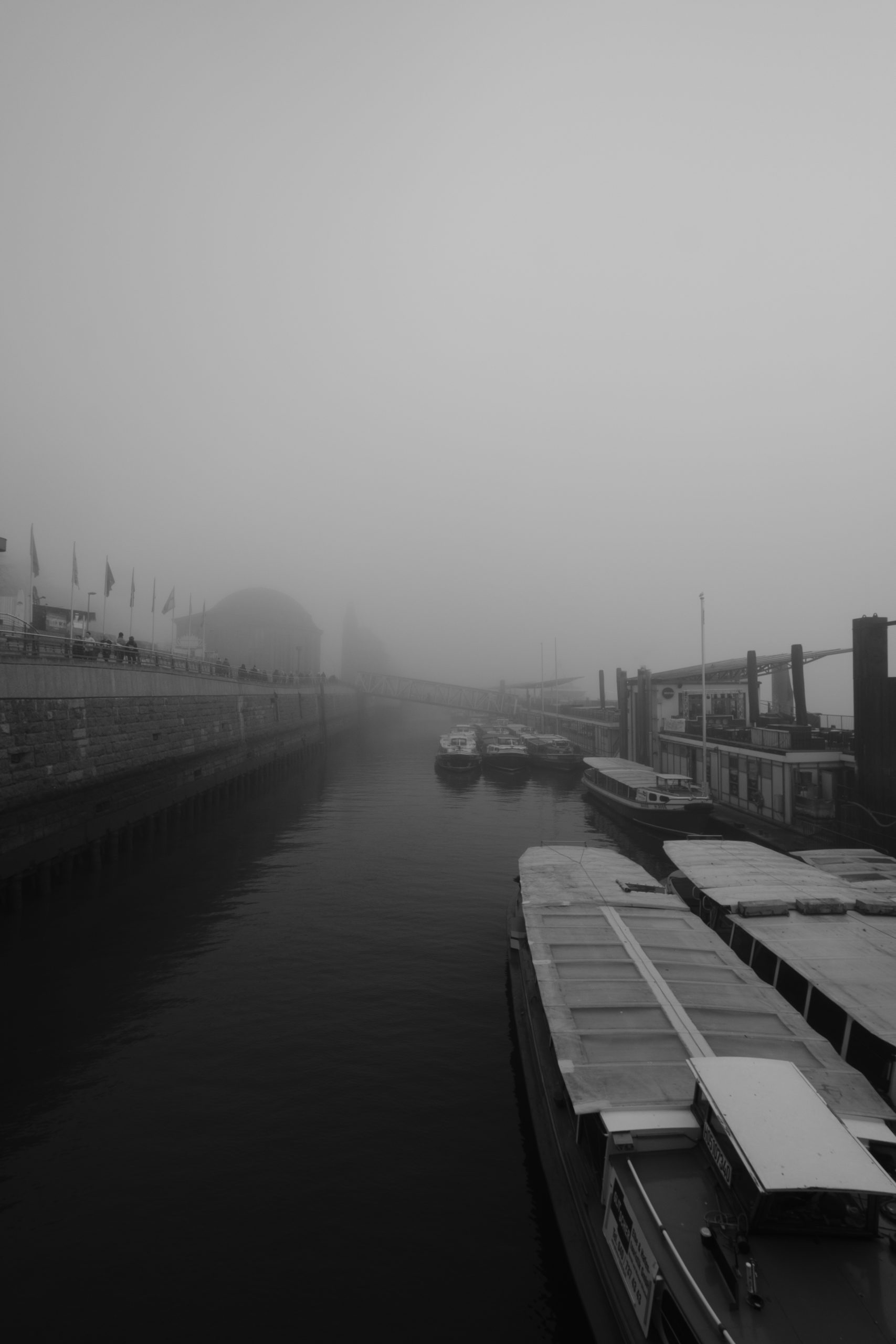
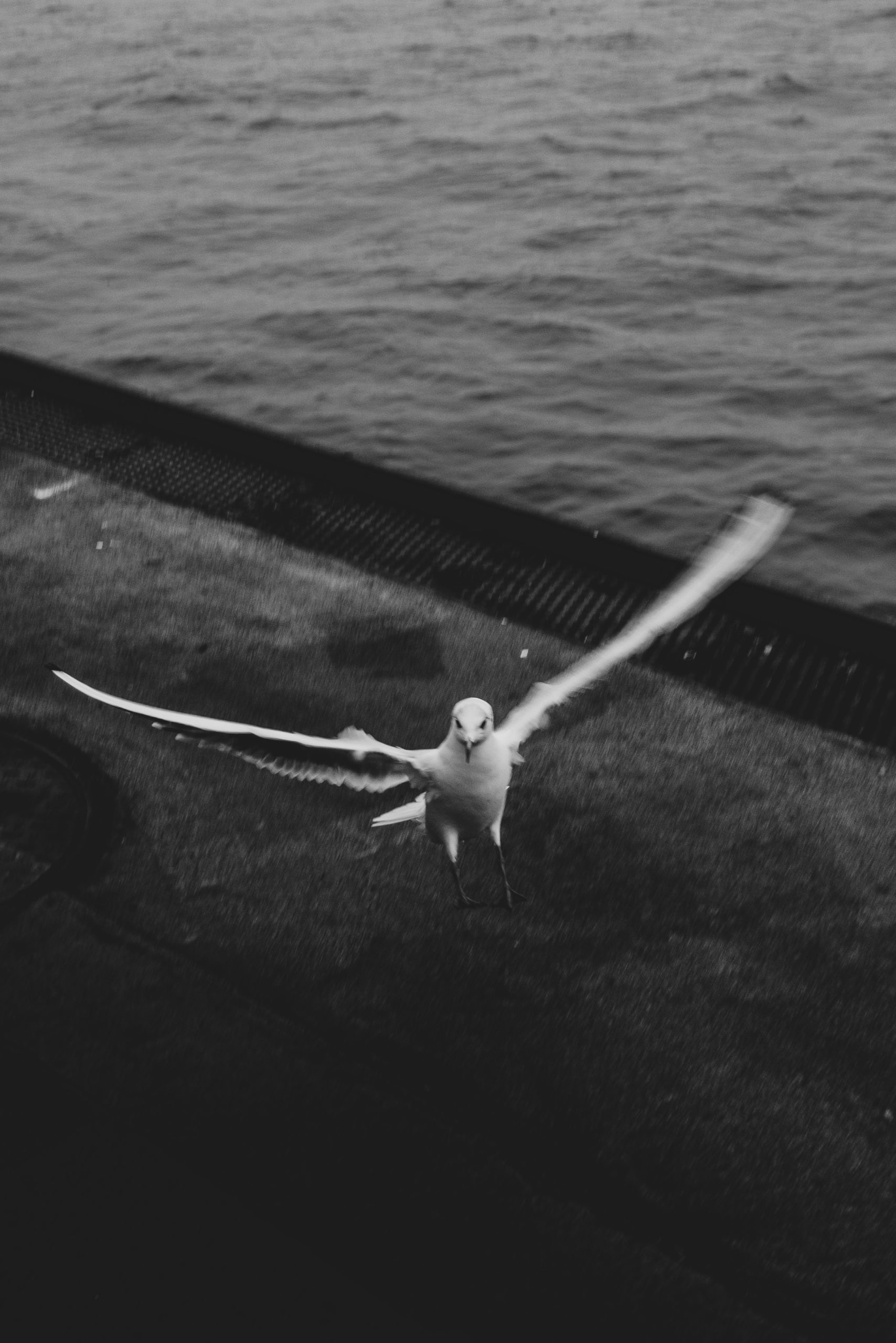
Hamburg im Nebel
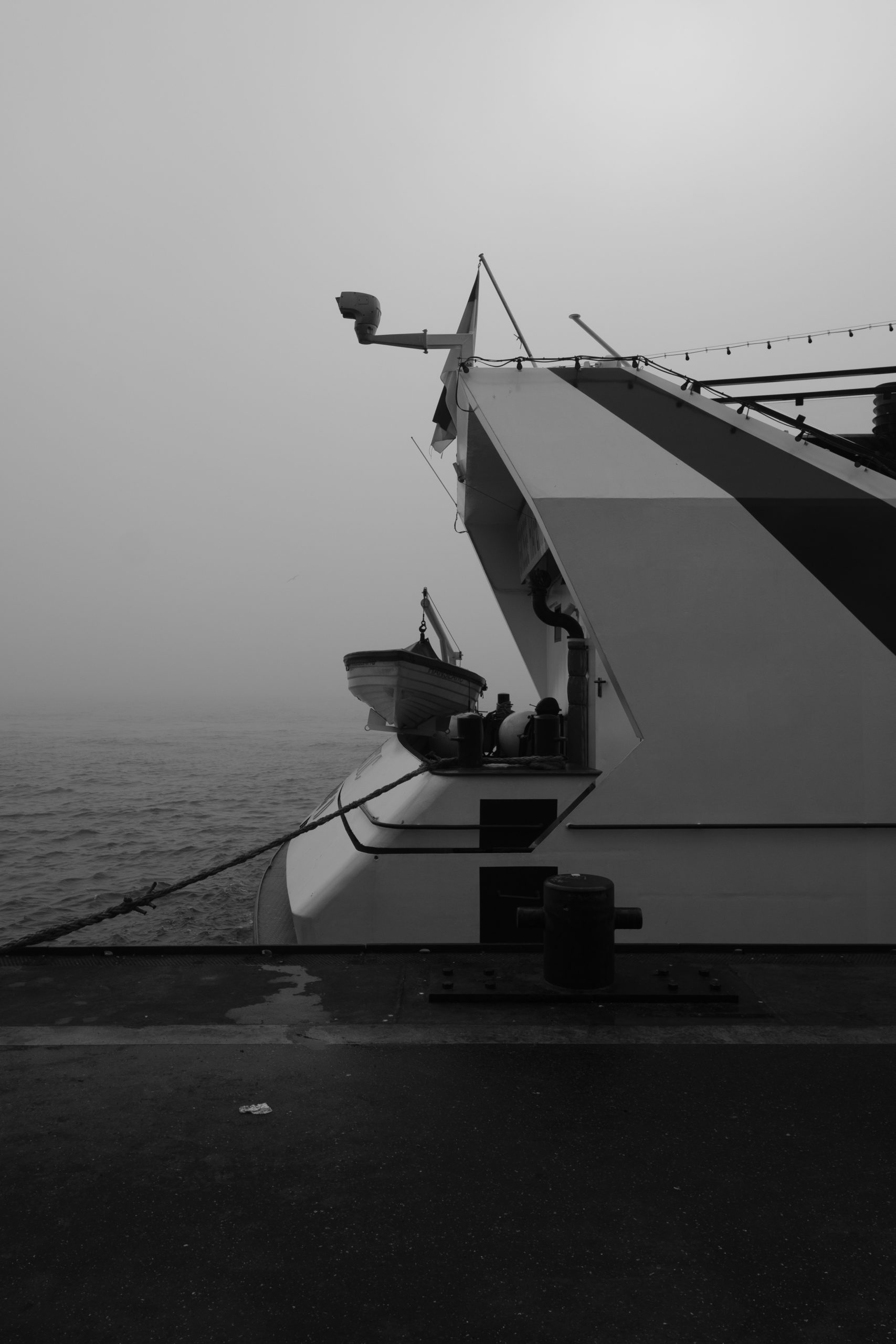
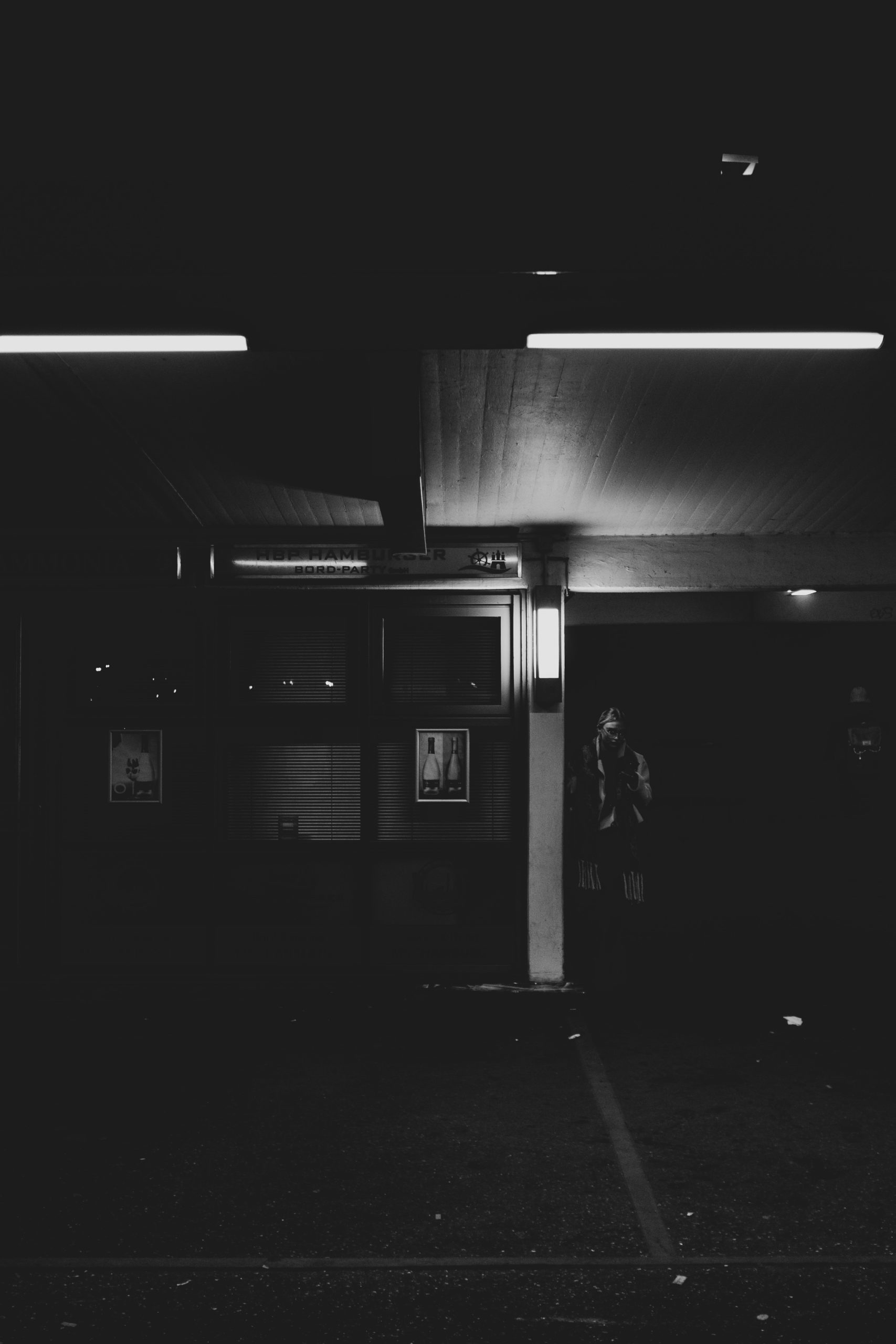
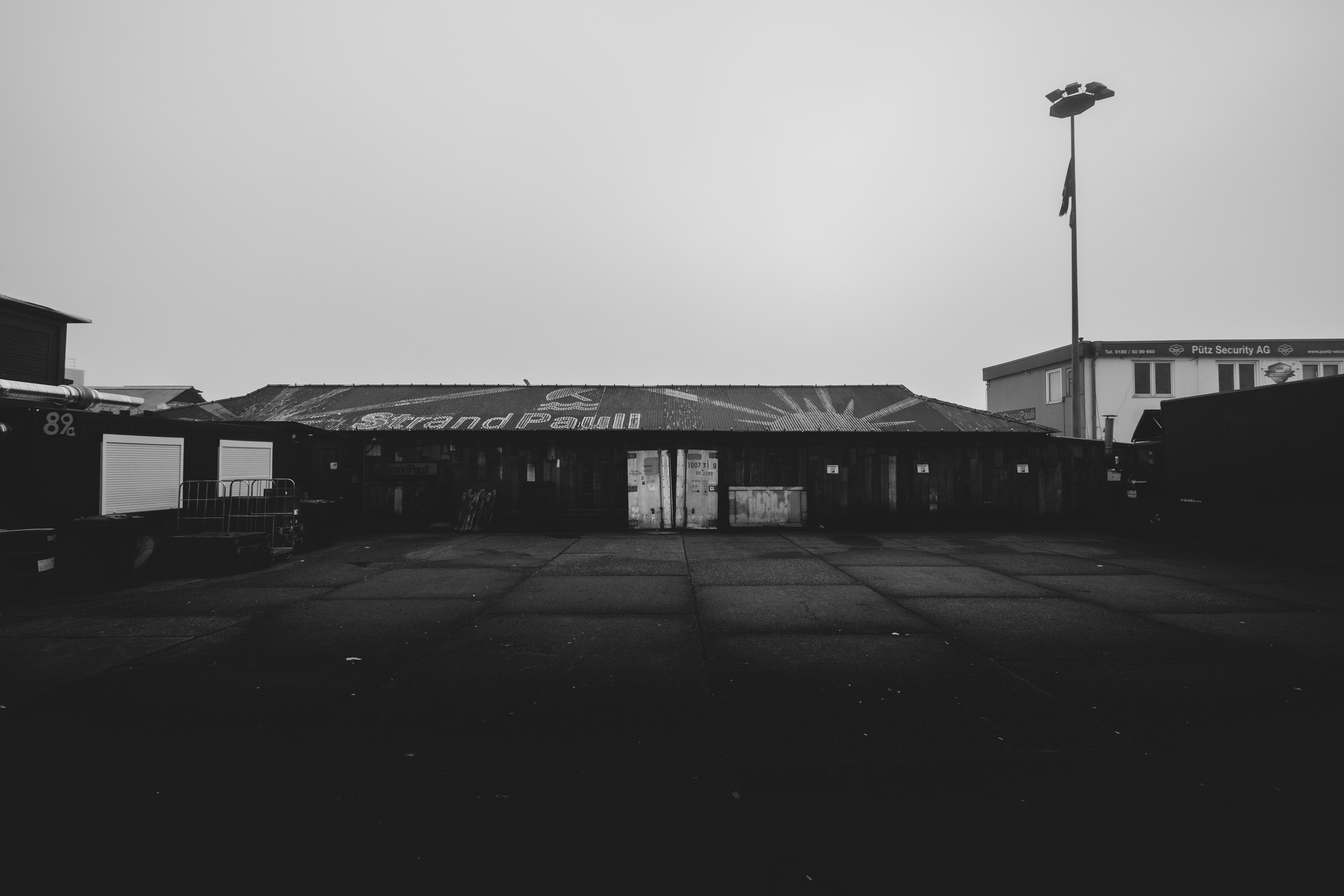
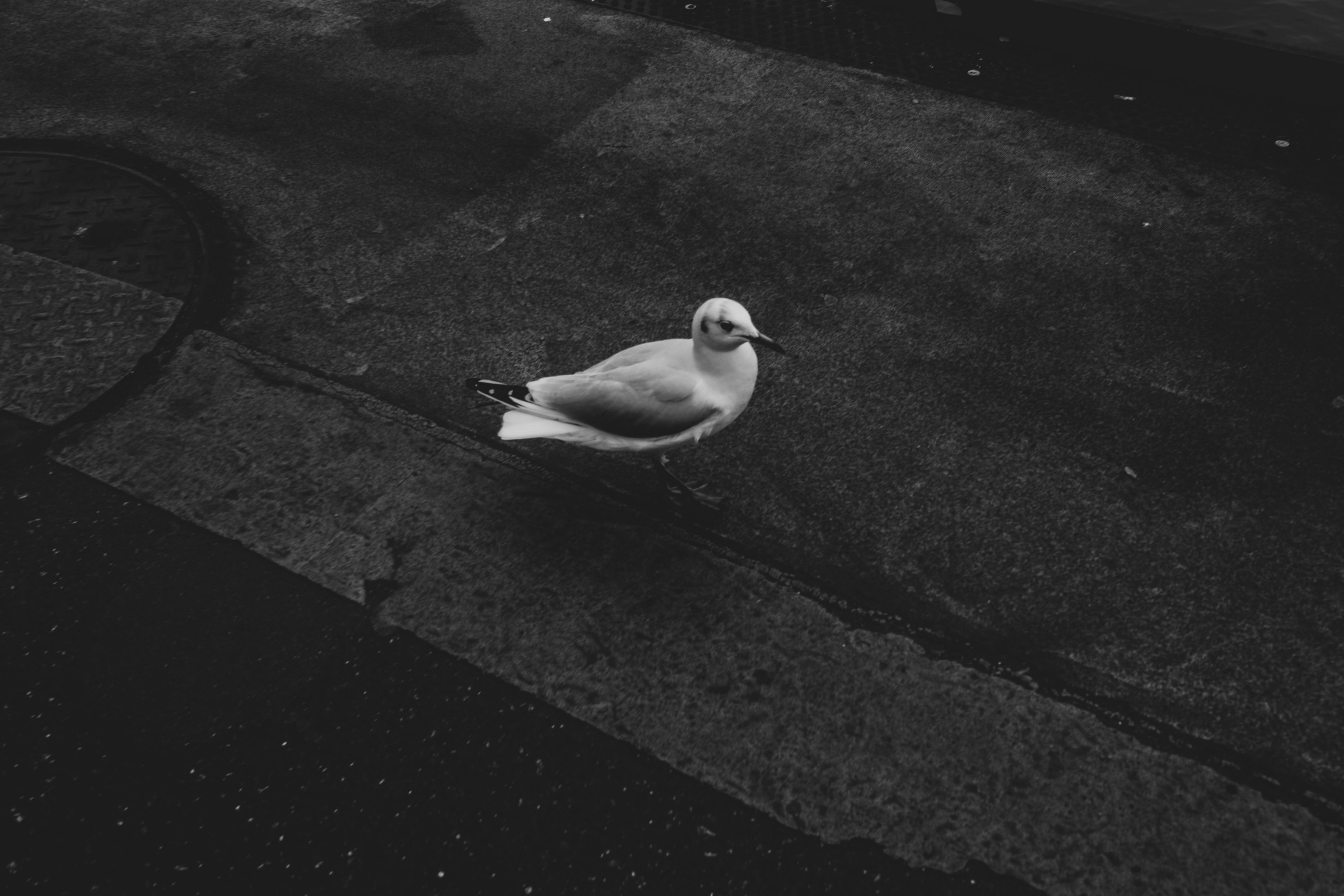
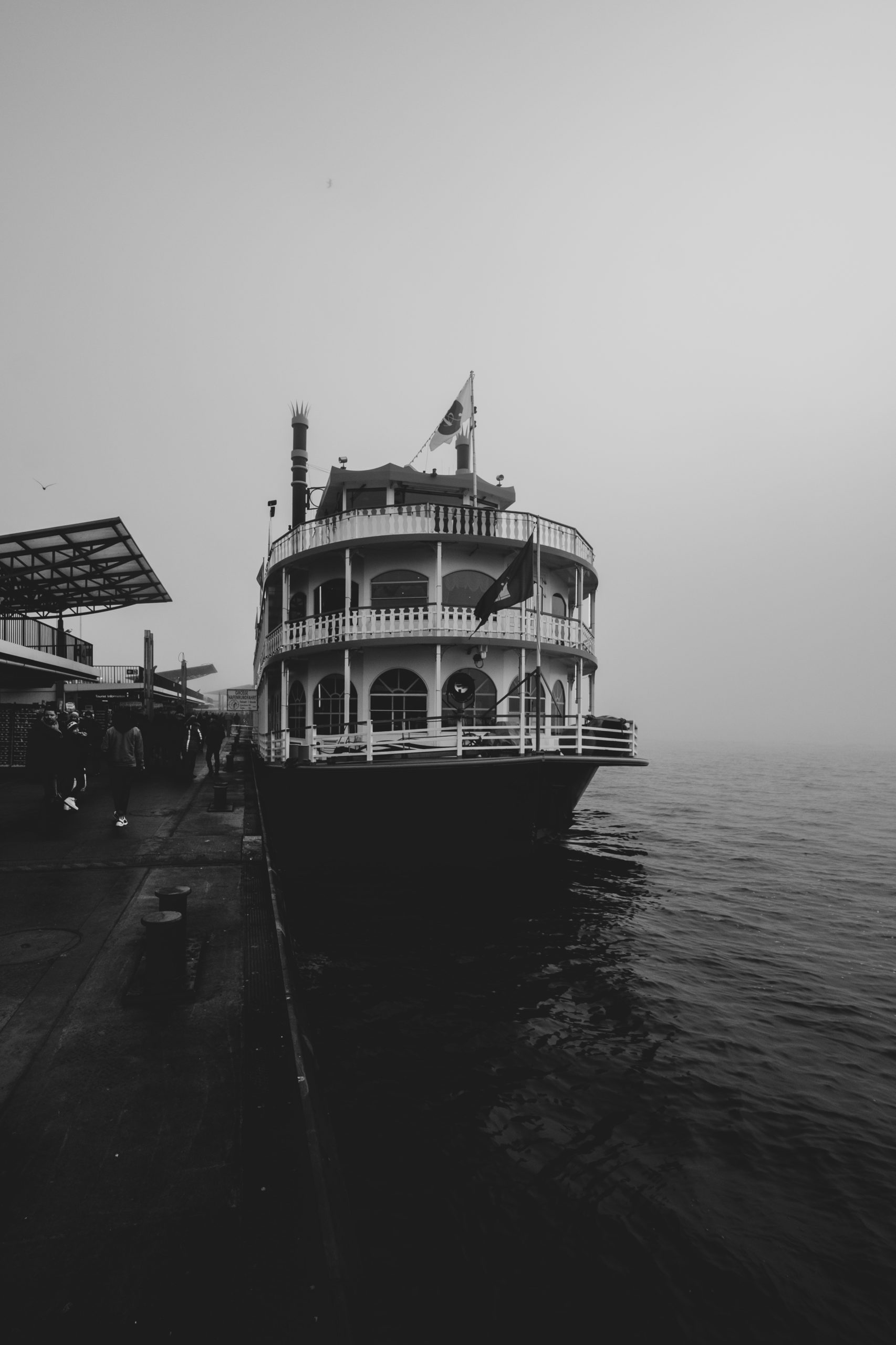
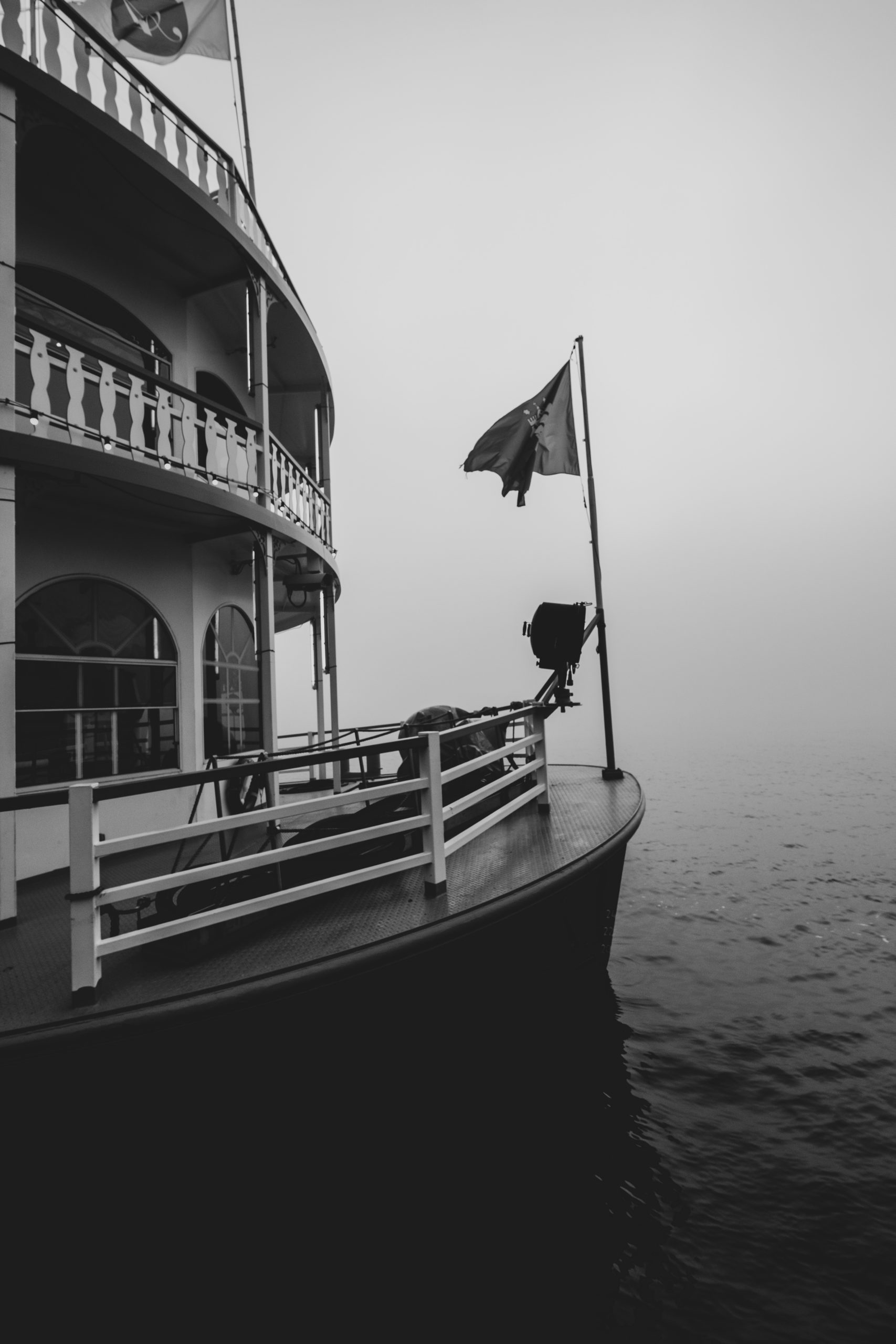
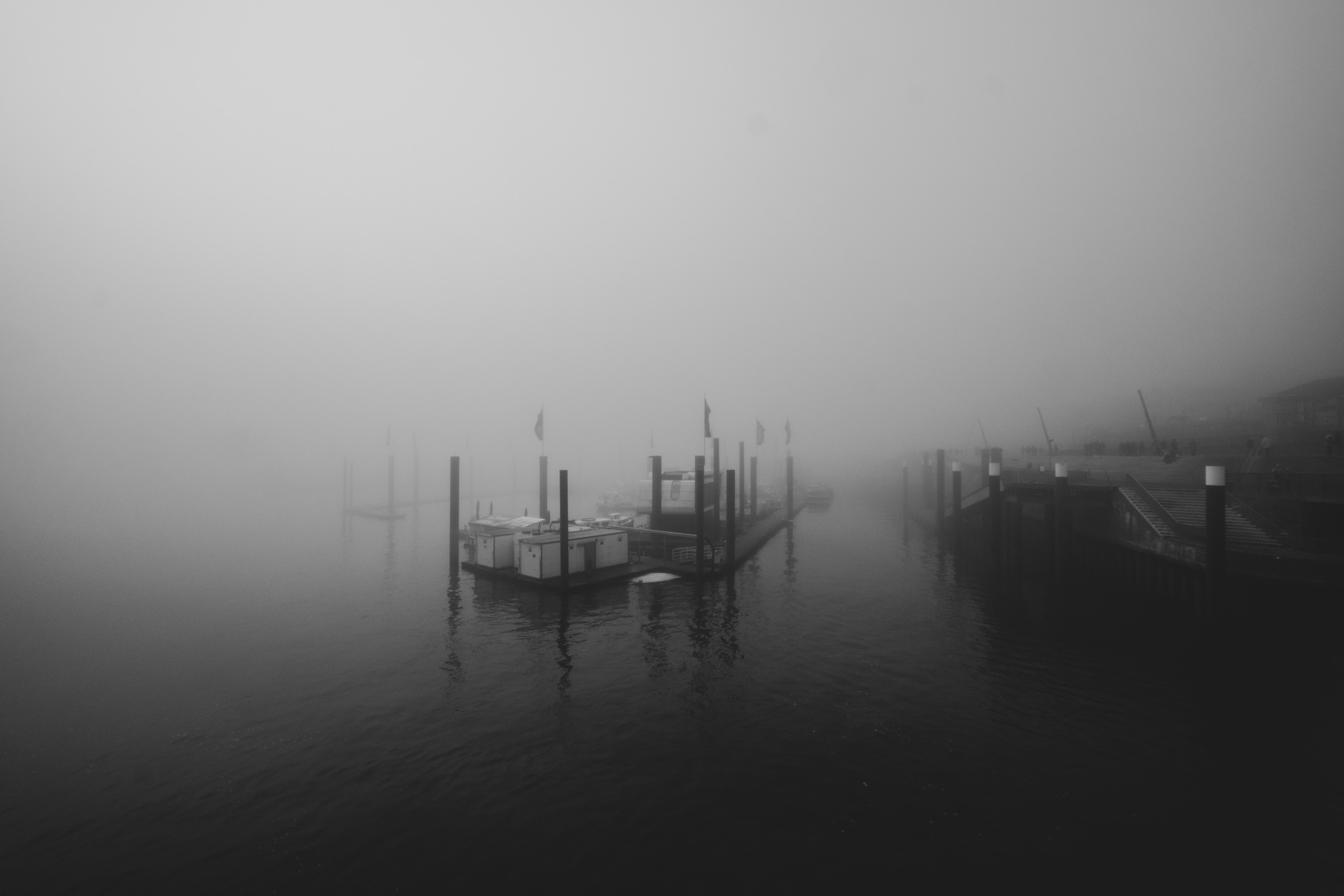
Um den Jahreswechsel waren wir einige Male in Hamburg an den Landungsbrücken unterwegs und ich konnte dank Nebel ein paar schöne Fotos aufnehmen. Dabei hatte ich die X100F und die X-T2 mit dem XF10-24 F4.



Plötzlich ist schon wieder Herbst!
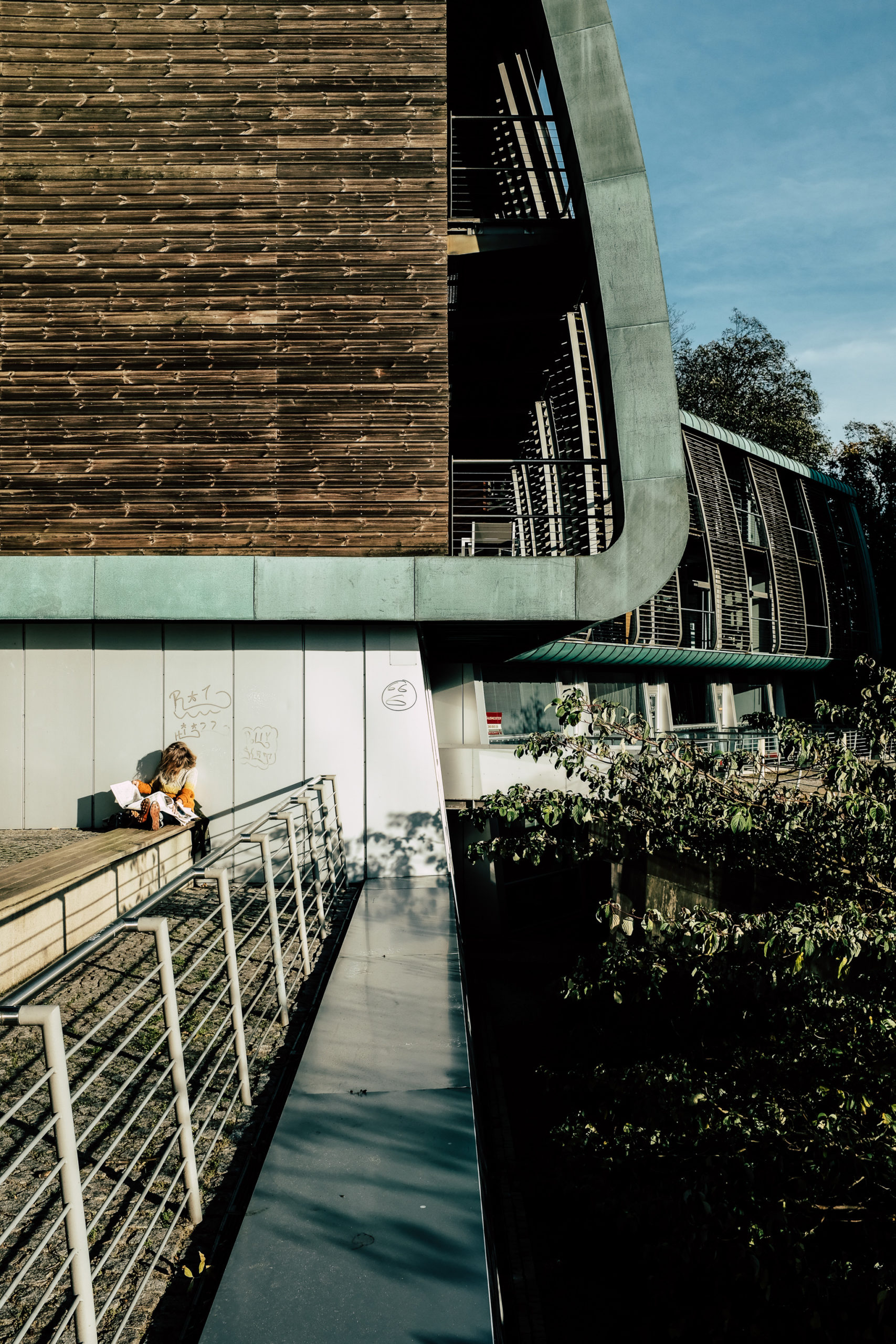
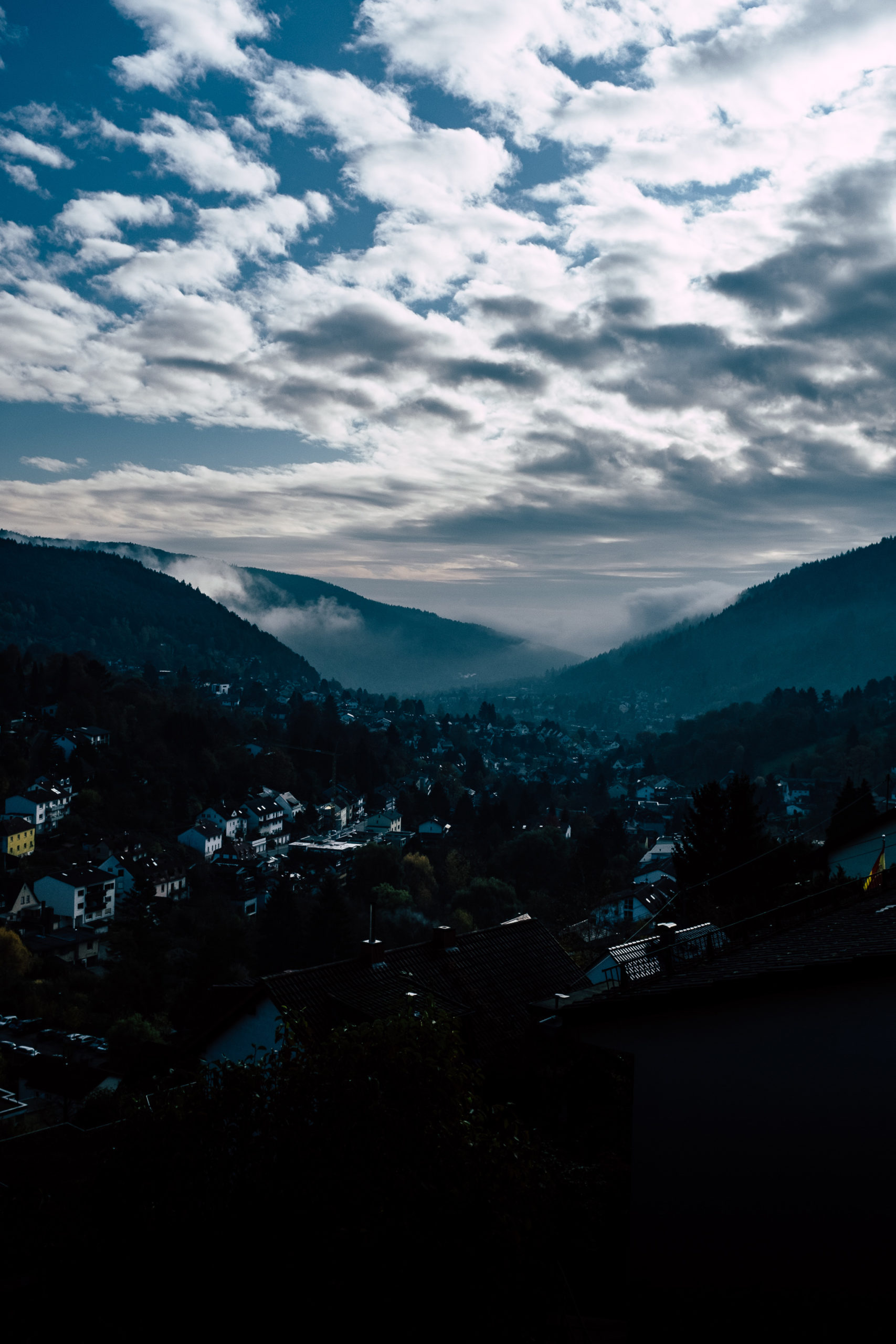
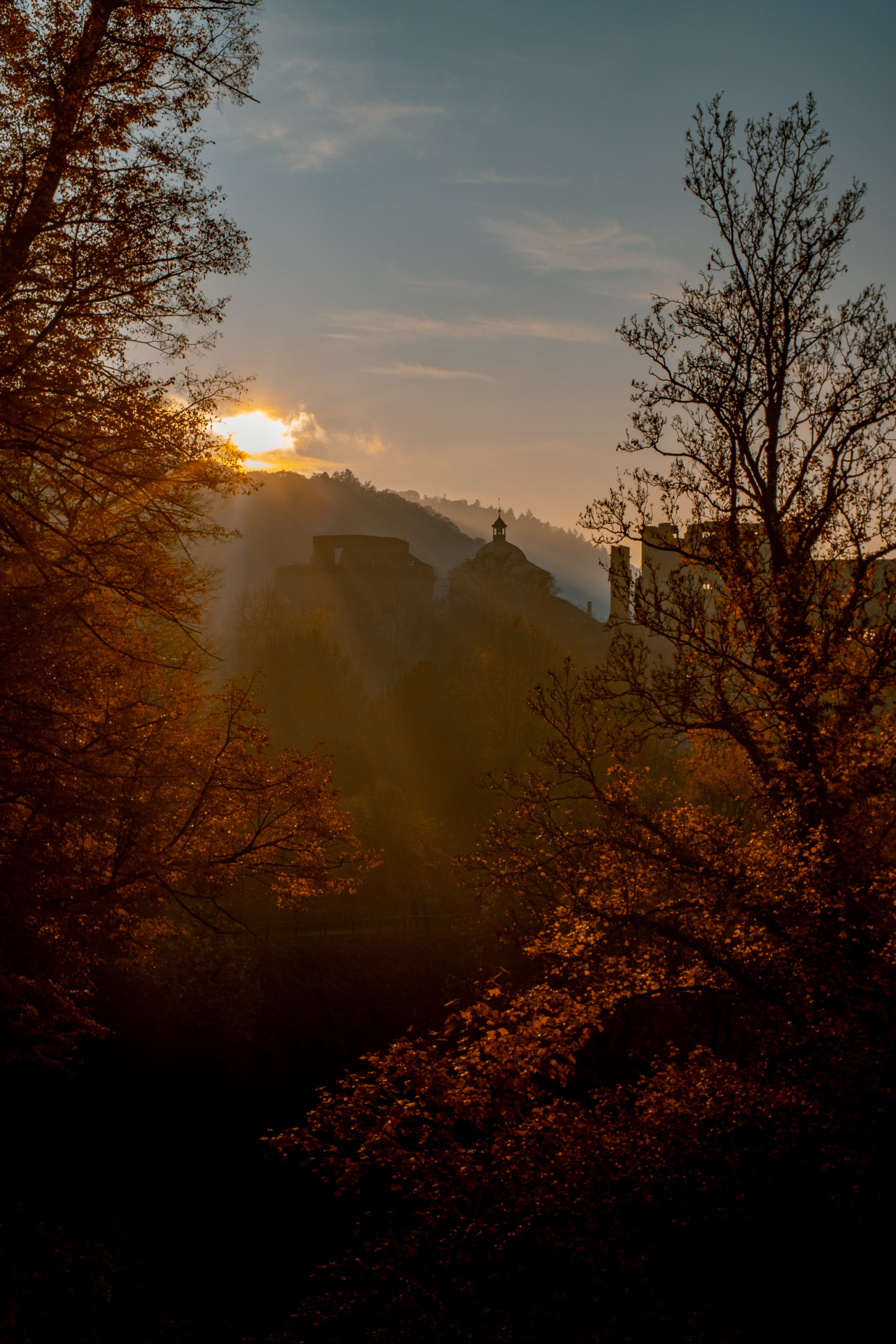
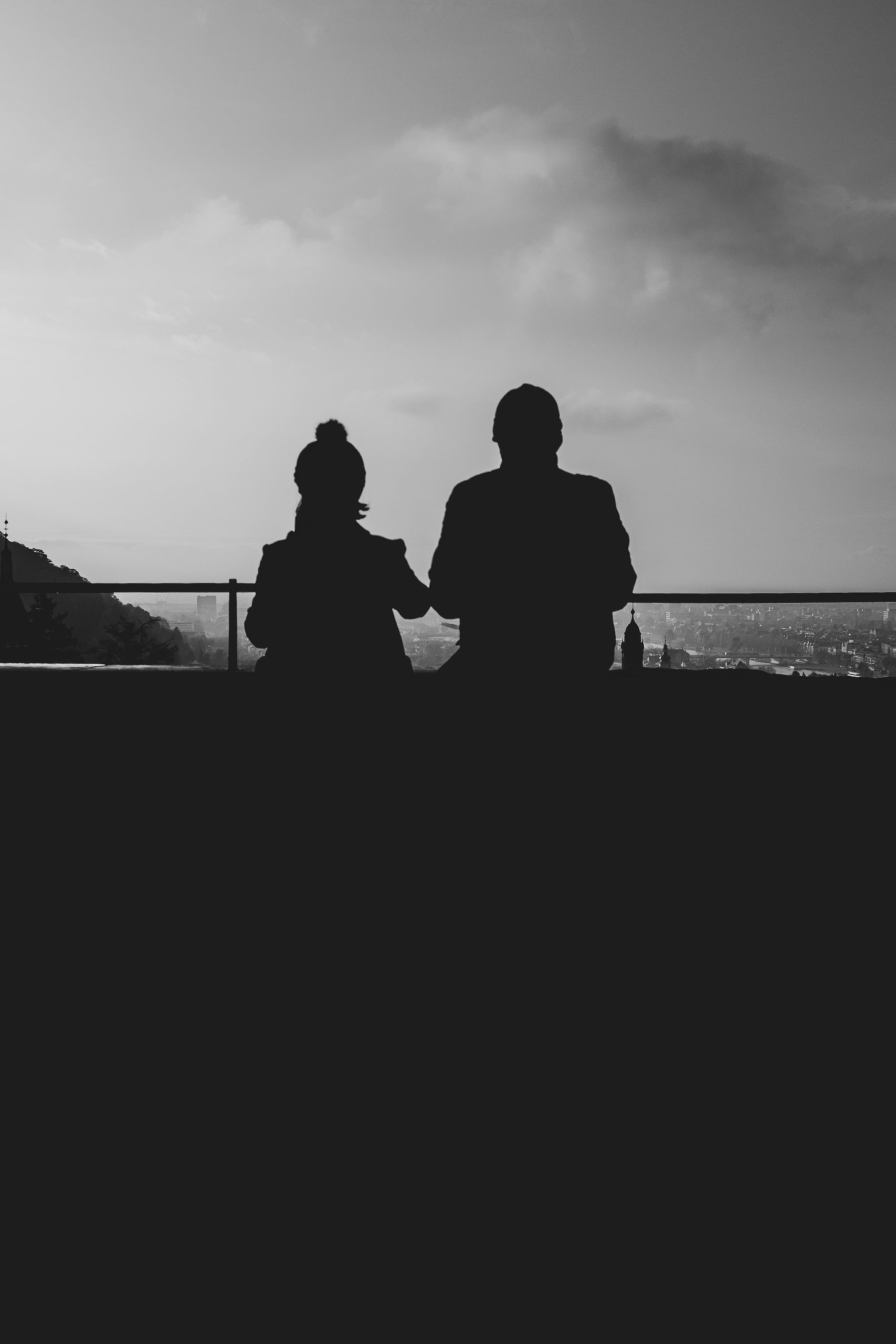
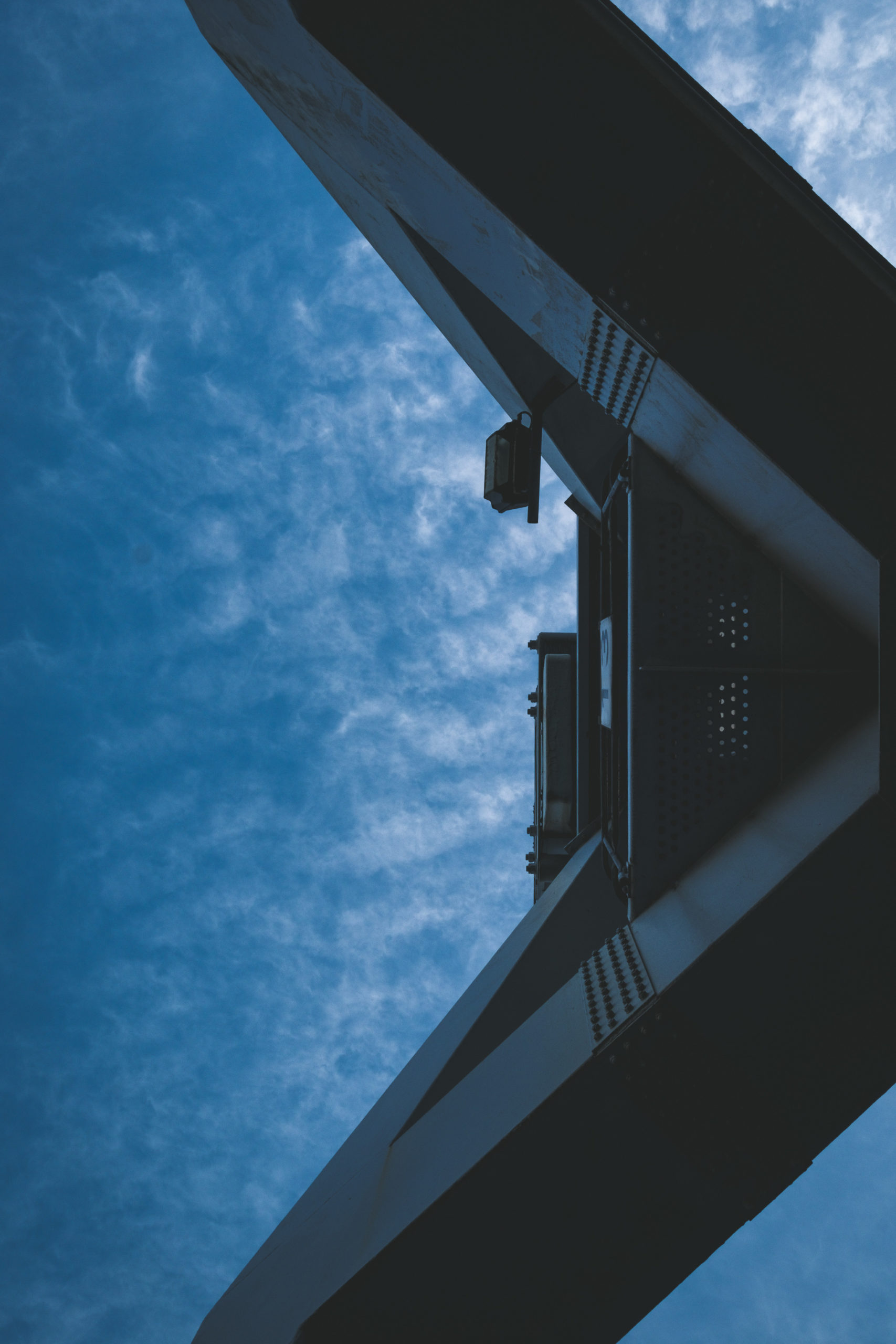
Ein aufregendes Jahr liegt hinter und mit dem Umzug nach Hamburg, einem neuen Job hier in der Hansestadt und allerhand anderen spannenden Projekten! Ein ganz wichtiges davon werden wir euch in Kürze vorstellen und bis dahin dürft ihr gerne schon auf Instagram (@urbandoo) oder Facebook (UrbandooNET) eure Neugier befriedigen! Um die Wartezeit ein klein wenig zu überbrücken gibt es erstmal ein paar Fotos aus den letzten, herbstlichen Wochen hier aus Hamburg und zum Teil aus Heidelberg.

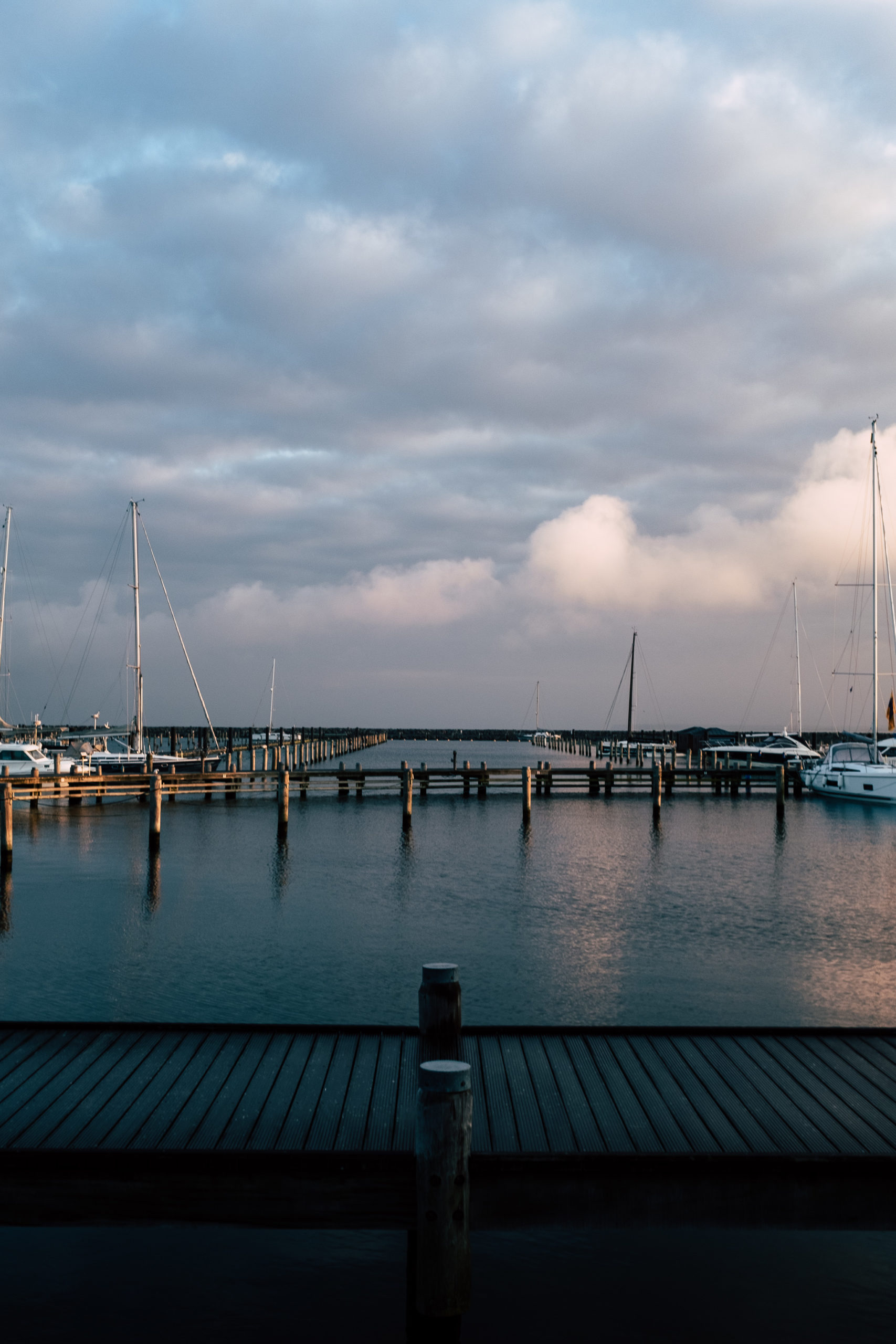
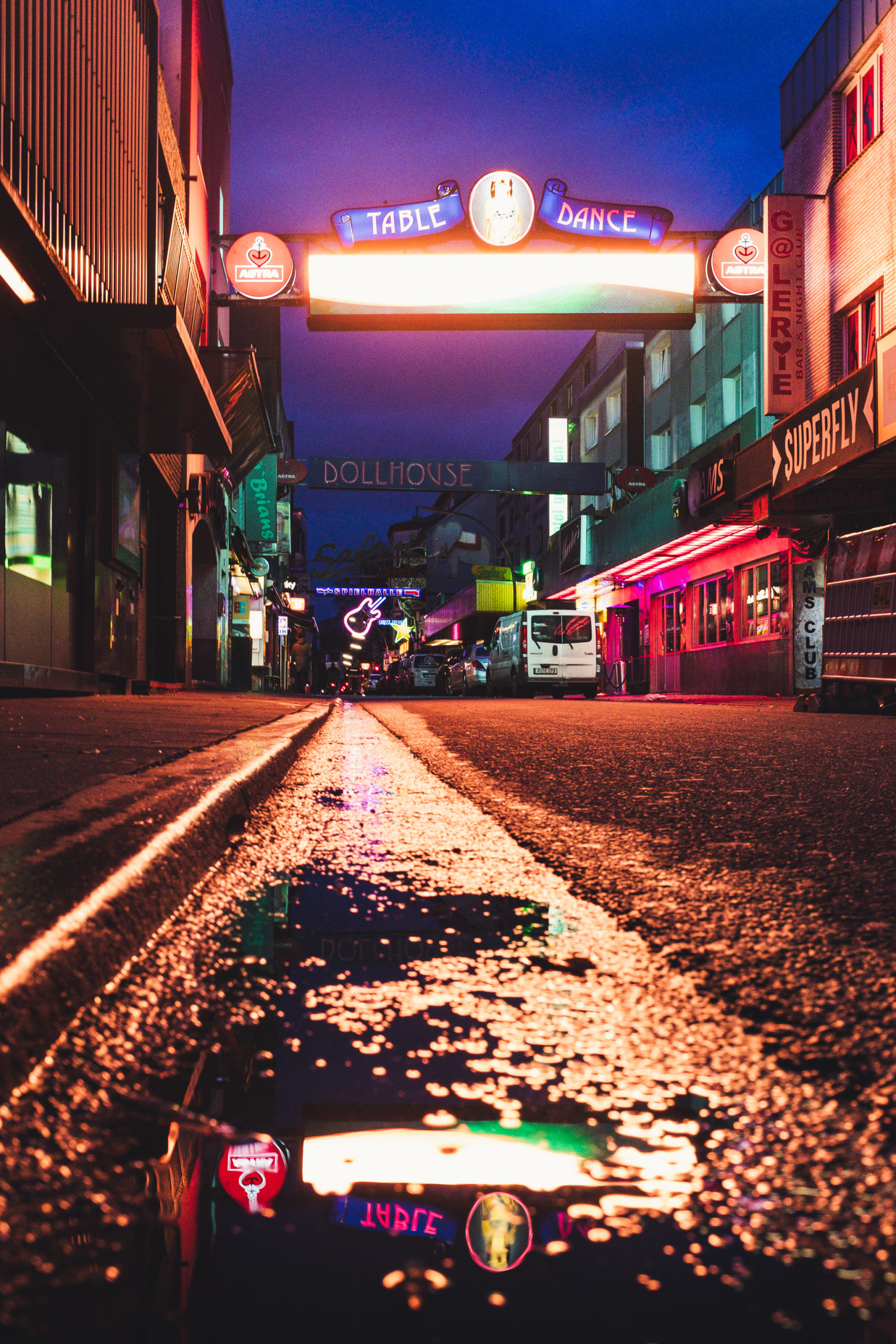
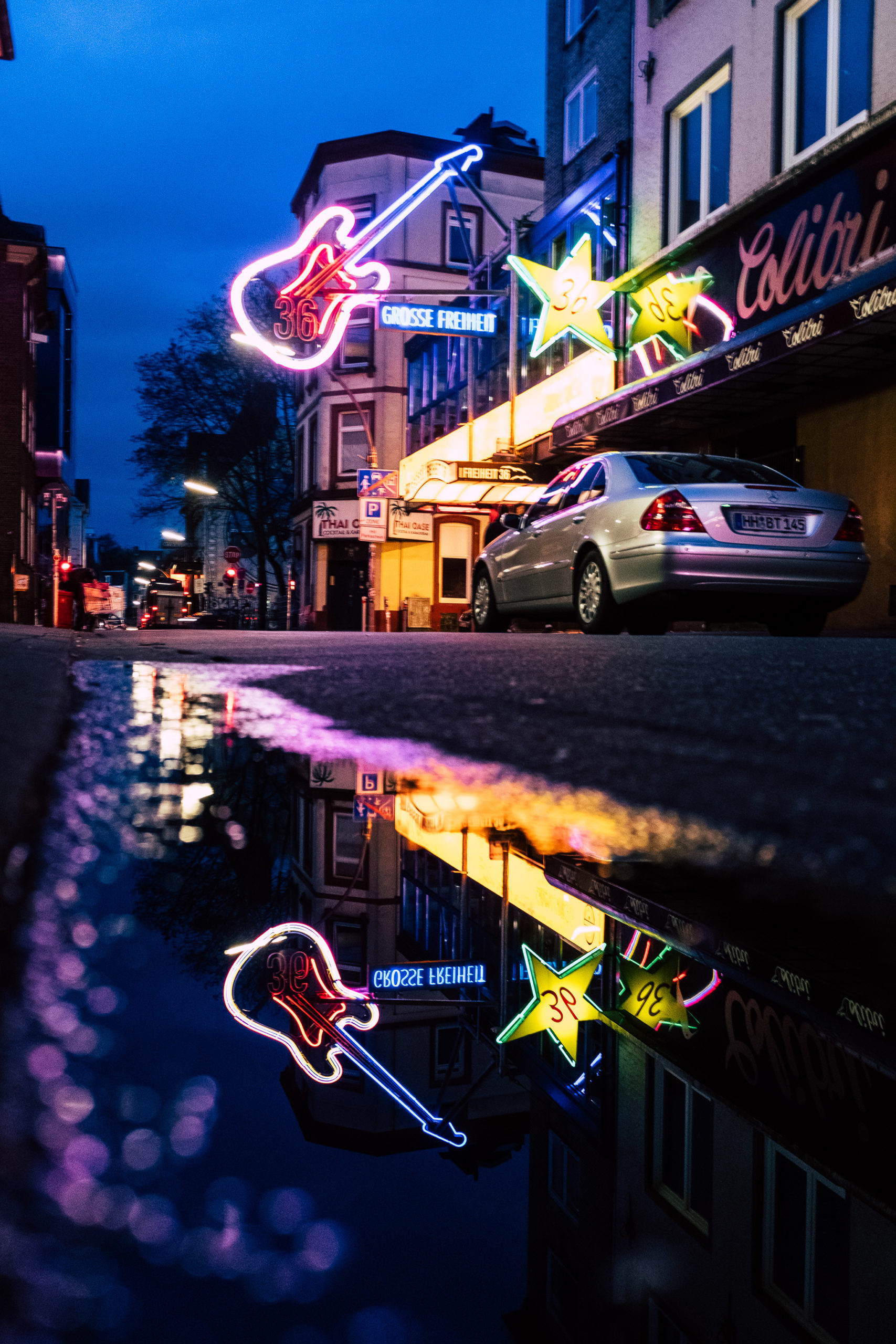
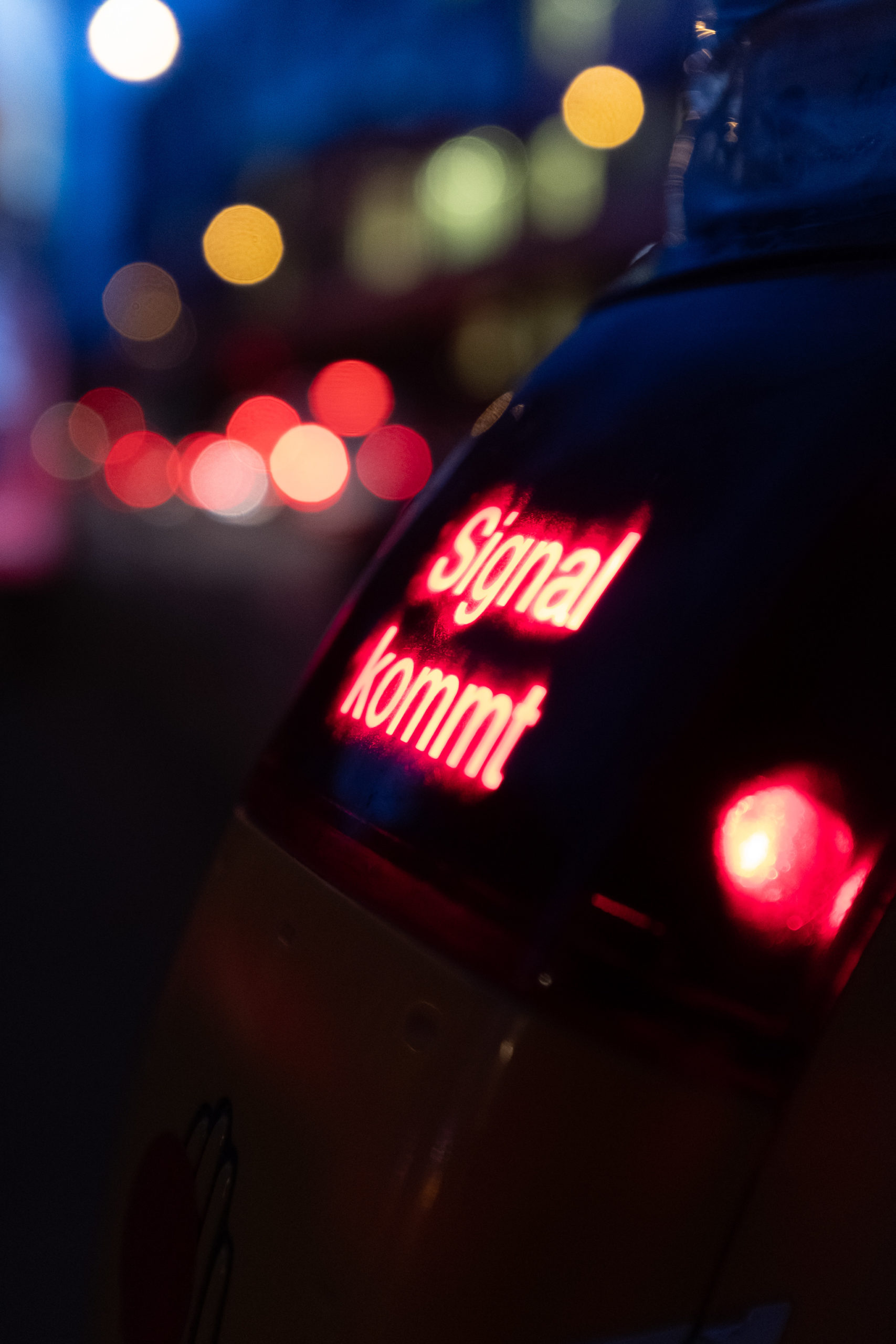
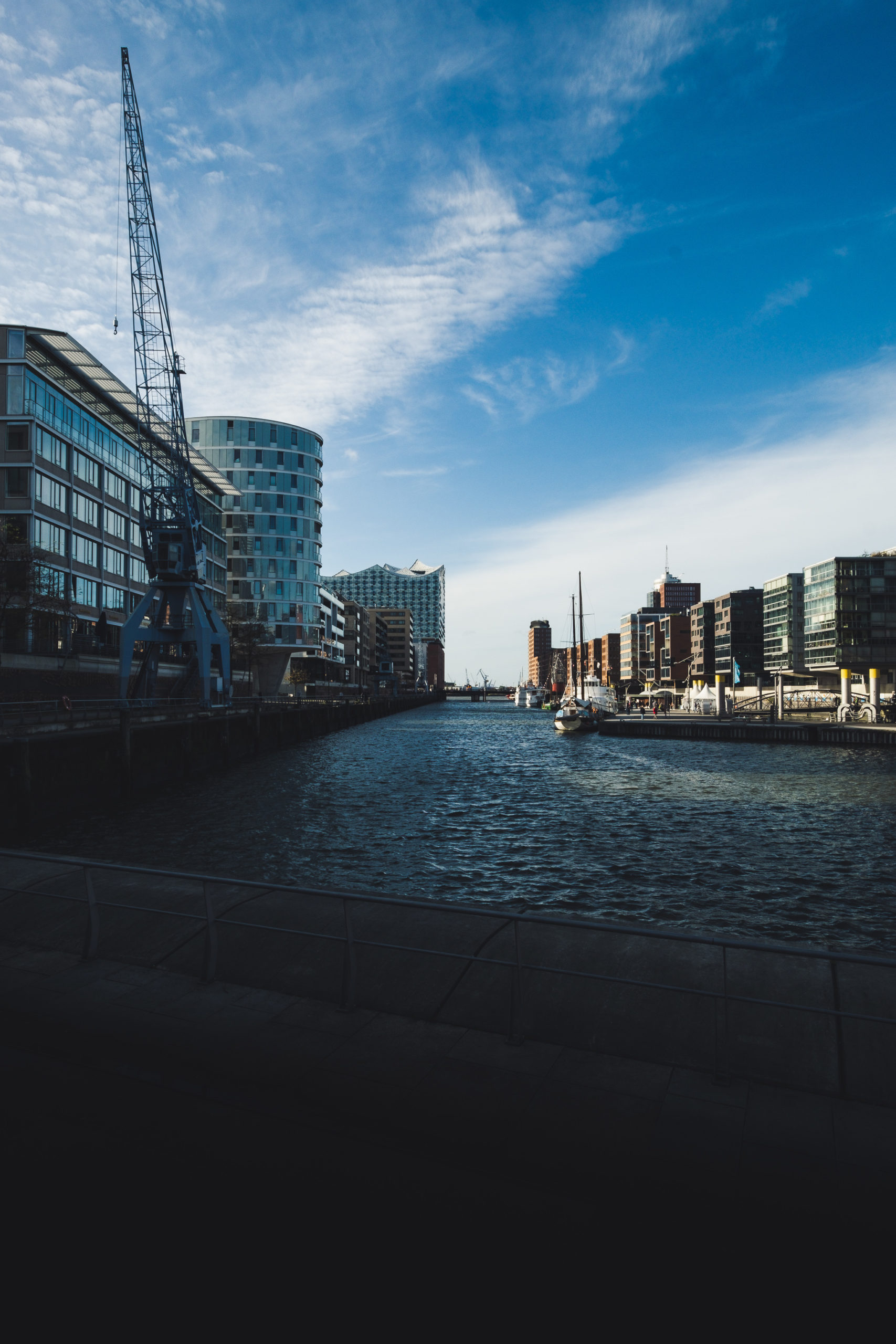
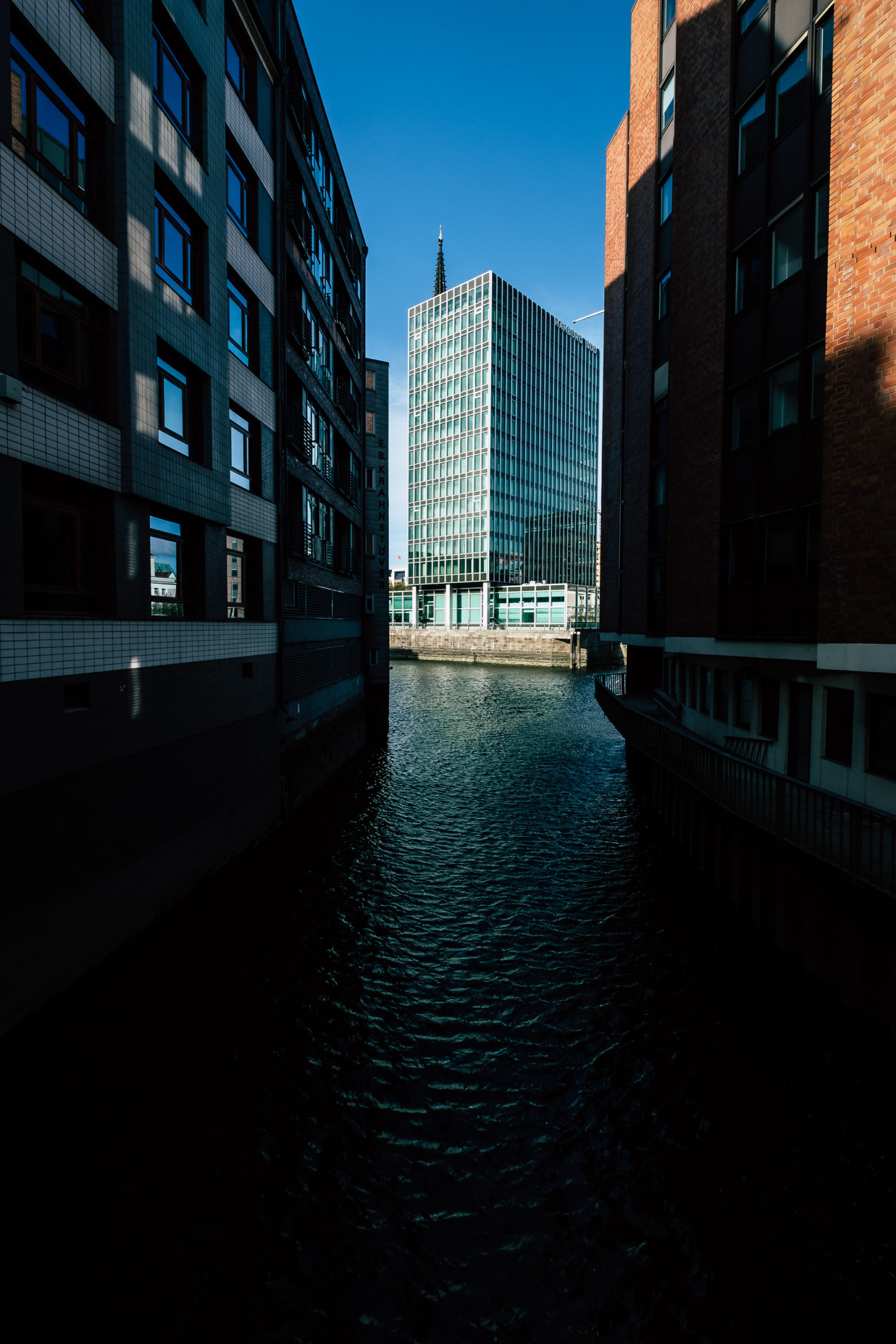
Moin Hamburg! Ein Lebenszeichen.
Die letzte Zeit ist es hier auf dem Blog sehr ruhig geworden und ich möchte euch dazu gerne kurz eine Erklärung und ein Versprechen nachreichen: Wir sind in den letzten Monaten und Wochen schrittweise nach Hamburg umgezogen und da war dementsprechend eine Menge zu erledigen. Wir richten uns gerade im neuen Zuhause ein und freuen uns auf die neue Stadt und die neue Umgebung!
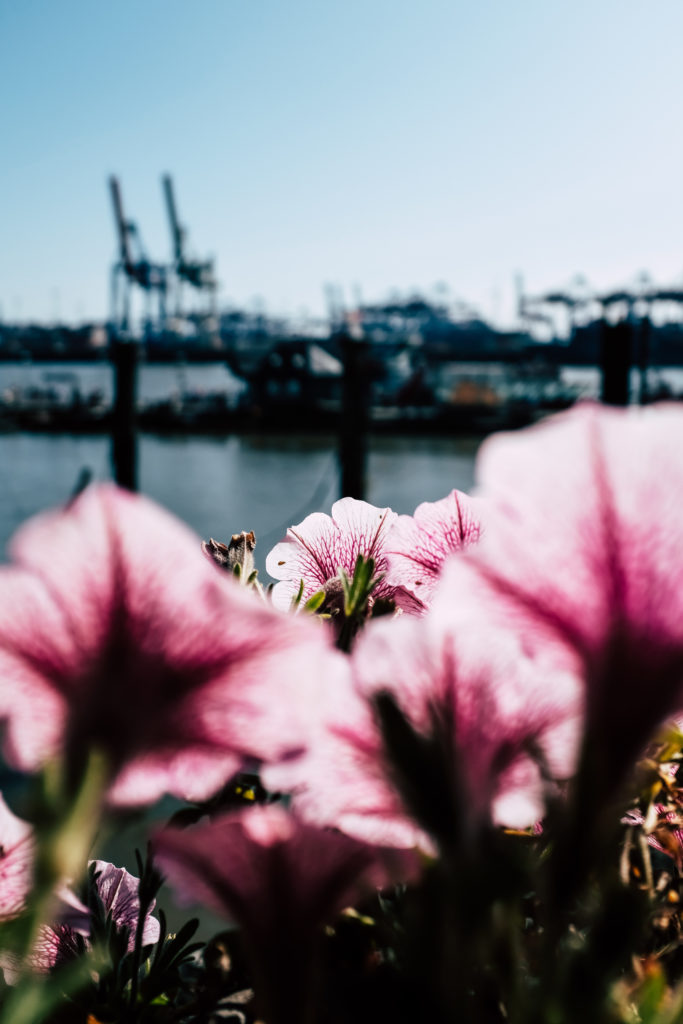
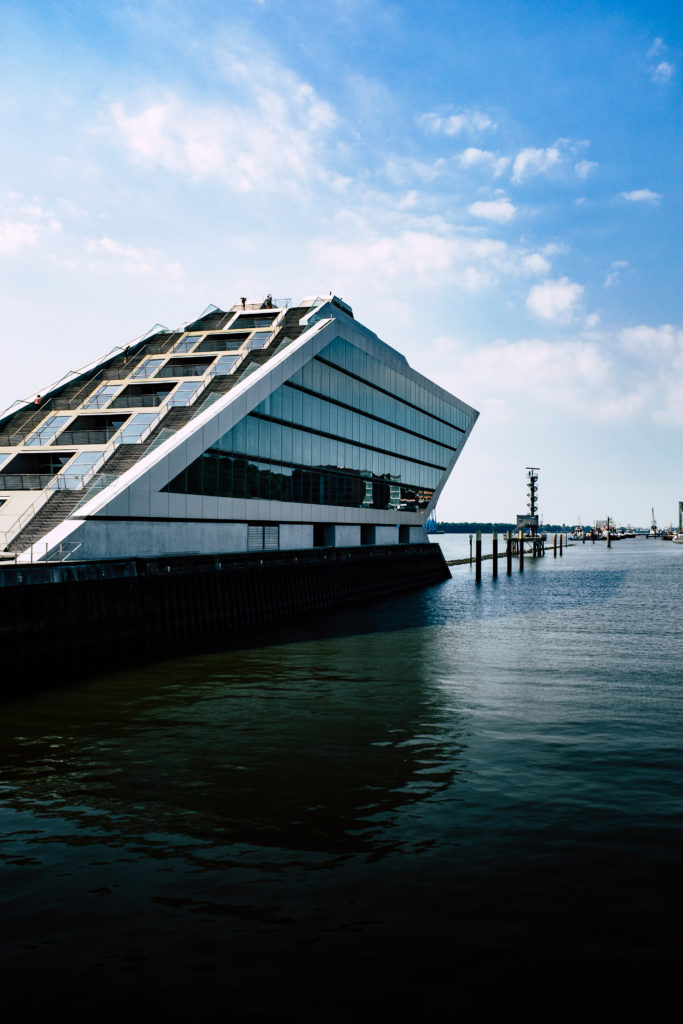
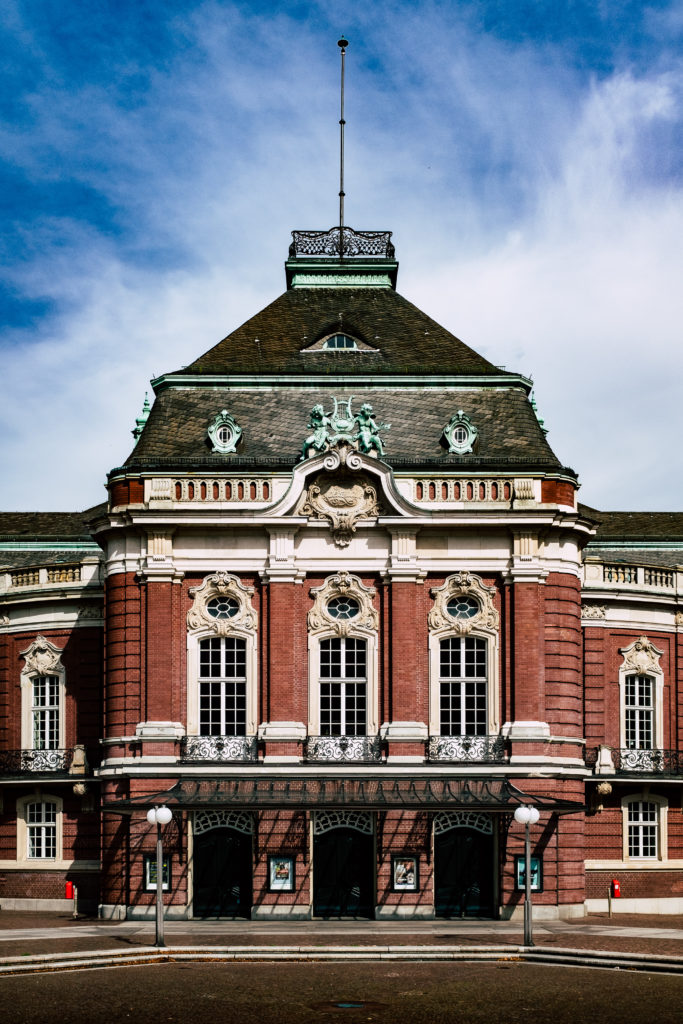
Verbunden mit der Erklärung aus Hamburg kommt auch gleich das Versprechen: Ich möchte in Zukunft wieder mehr Bloggen und mich dabei wieder der Fotografie – vor allem in Verbindung mit Fujifilm widmen dazu aber auch einige Informationen zu urbandoo mit euch teilen, einem Projekt welches ich gerade mit meiner lieben Frau in Angriff nehme.
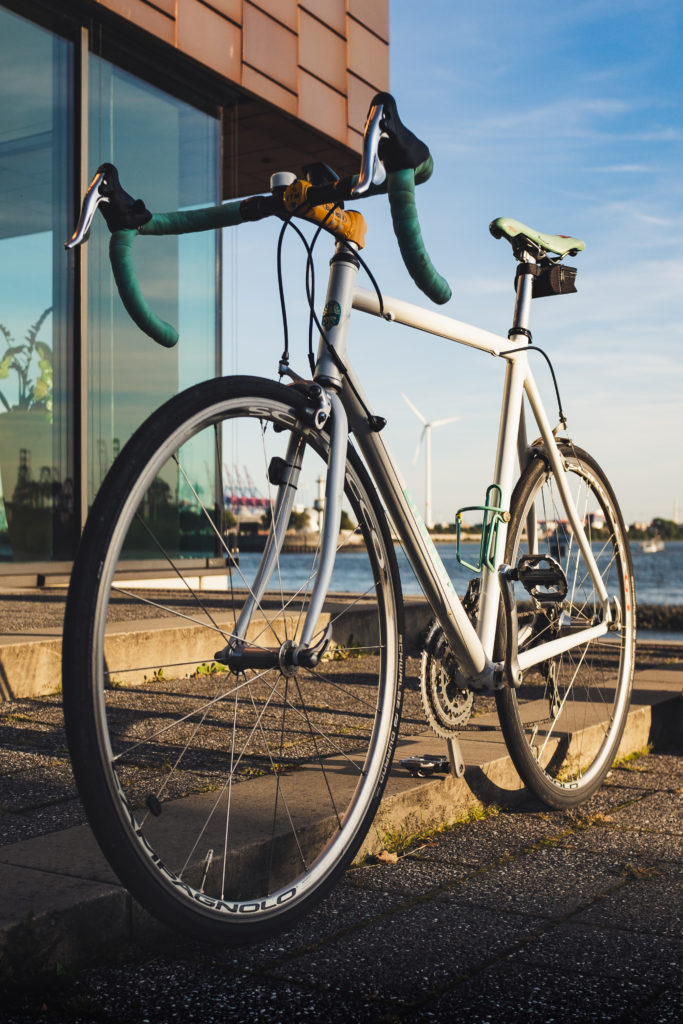

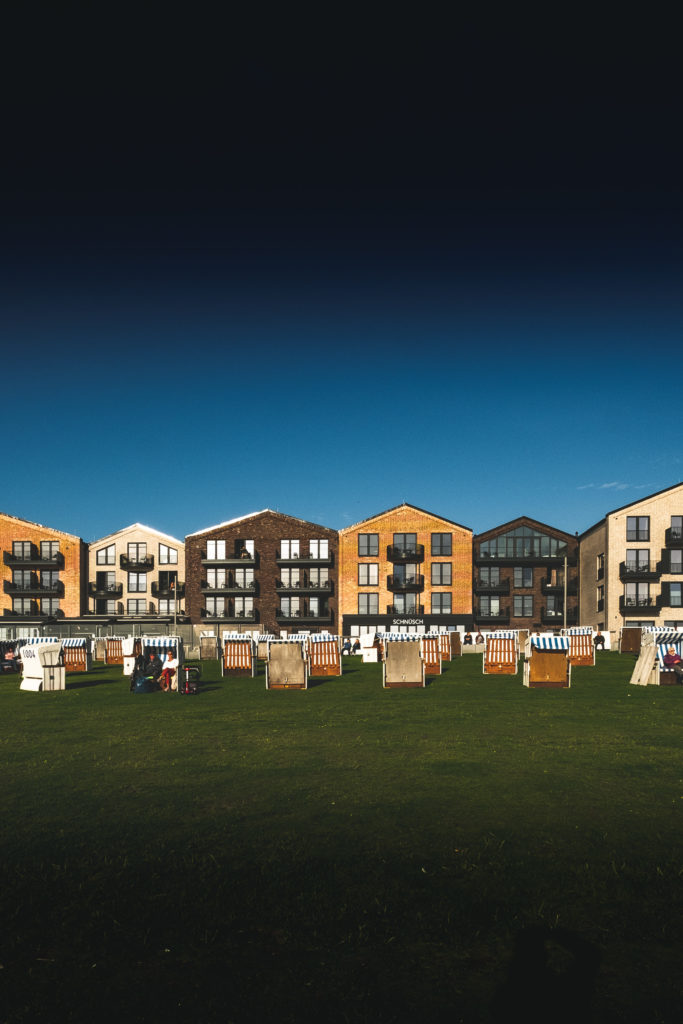
Ich freue mich sehr auf den neuen Lebensabschnitt in Hamburg und auf die Arbeit an meinem Blog! In der kommenden Woche könnte es schon mit den ersten, genaueren Informationen zur Fuji x-Pro3 losgehen!
Porträt-Fotografie mit dem Fuji XF 56 und X-T2
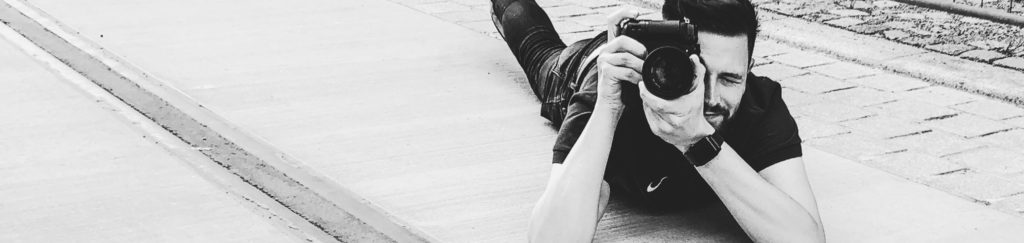
Wenn ich beim Fotografieren mit einer Sache schon immer größere Schwierigkeiten hatte, dann ist es definitiv die Porträt-Fotografie. Irgendwie war der Bildaufbau immer verbesserungswürdig oder ich habe die Lichtverhältnisse nicht so richtig hinbekommen. Mein Schwerpunkt liegt einfach in der Street-Fotografie. Trotzdem habe ich diese Woche die Chance genutzt, das gute Licht abgepasst und eine sehr gute Freundin mitgeschleppt. Man soll ja nie aufgeben, oder?
WeiterlesenFujifilm X-Pro3 – Nachfolger der X-Pro2 im Oktober?
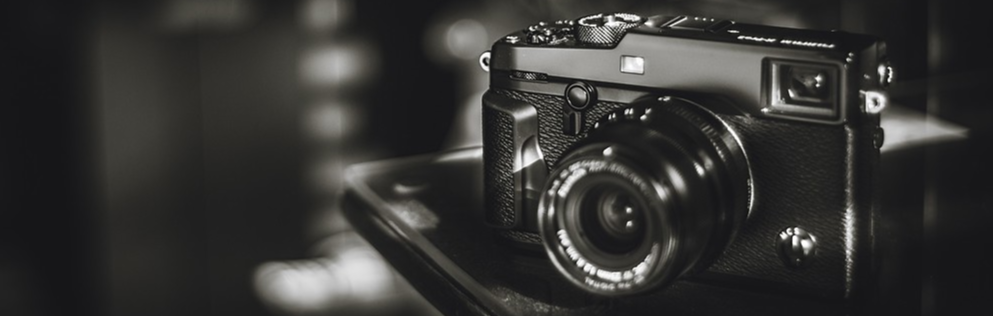
Wer mir hier folgt weiß, dass ich ein großer Freund der Rangefinder-Kameras wie z.B. der Fujifilm X-Pro2 bin. Auch meine Fuji X100F und meine erste Fuji, eine X-E3 entsprachen diesem Ansatz. Schon lange schiele ich zur X-Pro2 und denke darüber nach, meine X-T2 aufzugeben und auch bei der Hauptkamera umzusteigen. Lediglich der über allem schwebende Nachfolger – vermutlich die Fuji X-Pro3 hält mich von dieser Entscheidung ab. Der geeignete Zeitpunkt für eine Analyse und ein paar Spekulationen.
WeiterlesenNachfolger der Fuji X100F – X100V mit neuem Objektiv
Das Netz ist voll mit Spekulationen zum Nachfolger der Fuji X100F. Beim Namen kann man nur raten – mögliche Kandidaten sind Fuji X100G, X100V oder X200. Viel wichtiger aber als der Name ist das wann und wie. Die Gerüchte verdichten sich schon seit längerem, dass ein Nachfolger der X100F nicht mehr im Jahr 2019 sondern erst 2020 das Licht der Welt erblicken wird. Vermutlich möchte Fuji vorab noch das Topmodell x-Pro2 auf die neue Sensor- und Prozessortechnologie heben und damit die Fuji x-Pro3 veröffentlichen. Die großen Rabatte auf die x-Pro2 sprechen eindeutig dafür.
WeiterlesenFuji XF 10-24 F4 R OIS: Weitwinkel im Praxistest
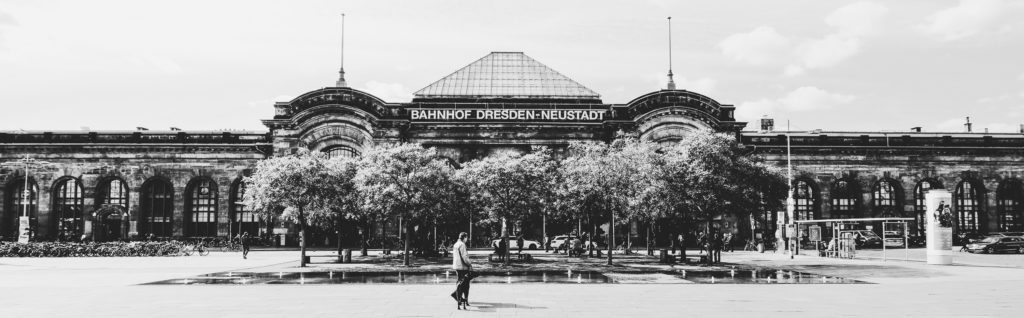
Wer meine Seite und meine Fotos verfolgt, der hat sicher schon lange gemerkt, dass ich sehr viel und gerne auf Reisen Fotografiere. Mit der X100F habe ich eigentlich immer eine Kamera dabei, die mir mit der Brennweite von 23MM oftmals zu eng abbildet. Mit dem Fuji XF 10-24 F4 unternehme ich jetzt den Versuch, ob ich mit einem Ultra-Weitwinkel zurecht komme und ob sich das zusätzliche Gewicht in der Tasche in der Praxis rentiert. Konkrete Vergleiche möchte ich zudem zwischen dem XF 10-24, dem XF 16 F1.4 und dem XF 18 F2 ziehen.
Weiterlesen
Kommentare 3
Test: Squarehood MKII für die Fuji X100F
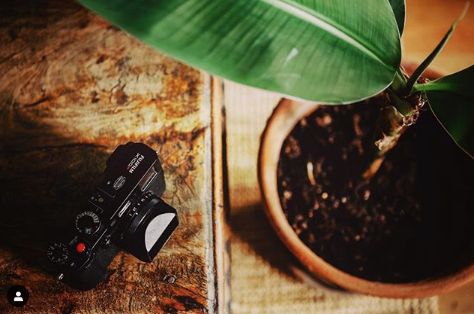
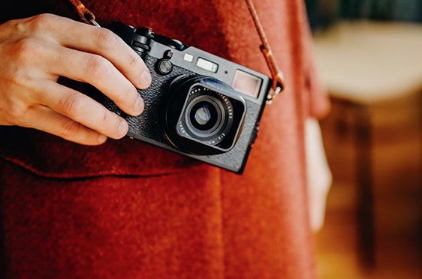

Wenn man eine kompakte Kamera wie eine Fuji X100F einsetzt, dann spielt der Schutz der Technik eine ebenso große Rolle, wie die praktischen Aspekte einer Sonnenblende. Bereits seit einiger Zeit beschäftigt sich der in Neuseeland geborene Fotograf Thomas Mansell damit, eine praktische und gleichzeitig ästhetische Lösung zu entwickeln. Das Ergebnis gibt es mittlerweile als Squarehood MKI aus Kunststoff für alle Fuji X70 und X100 sowie als Squarehood MKII aus Metall, die besonders für die Fuji X100F entwickelt wurde.
WeiterlesenGalerie: Streetphotography mit der Fuji X100F
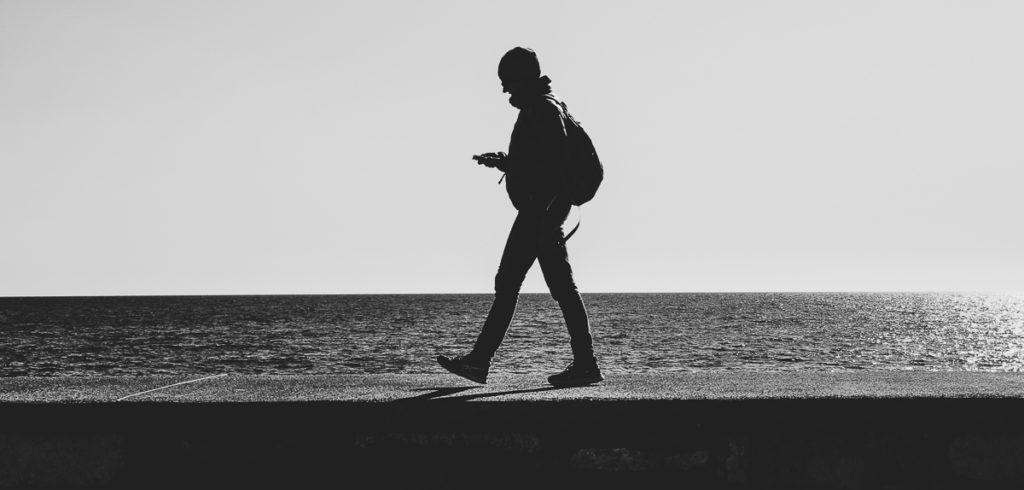
In den letzten Wochen war ich immer mal wieder unterwegs und hatte dabei leider einige ungeplante Aufenthalte in Erfurt und Hof. Ein guter Zeitpunkt, um die Zeit einfach für einen kleinen Rundgang mit der Fuji X100F zu nutzen und ein paar Fotos aus dem Bereich Streetphotography mit euch zu teilen. Viel Spaß mit der Galerie!
Weiterlesen
Industriefotografie mit dem Fuji XF16 1.4

Wir hatten das große Glück, in der vergangenen Woche eine exklusive Führung bei einem potenziellen Zulieferer für Manomama wahrnehmen zu können. In der Textilfabrik von Candiani in Norditalien werden hochwertige Grundprodukte für die Herstellung von Jeans produziert. Diese einmalige Chance wollte ich aus zwei Gründen unbedingt nutzen: Zum Einen brauchte meine Frau dringend gute Bilder für den Beitrag in ihrem Blog und zum Zweiten wollte ich unbedingt das Fuji XF16 1.4 im Bereich der Industriefotografie ausprobieren – insbesondere bei vorhandener, künstlicher Beleuchtung.
WeiterlesenEine Woche Nikon Z6. Eine Alternative?
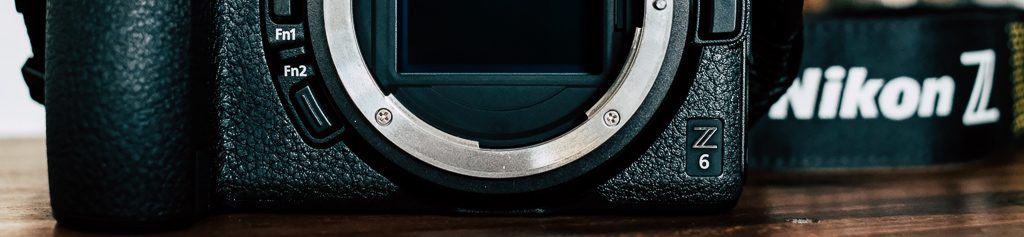
Wer hier mitliest, der weiss genau, dass ich mich in der Fotografie voll und ganz dem Fuji-Universum angeschlossen habe. Fuji hat für mich mit der X-Serie ein System geschaffen, dass mich immer wieder zum Fotografieren verleitet. Es ist kein Werkzeug, es ist ein alltäglicher Begleiter geworden.
Auch heute noch zählt Fuji eher zu einer Randgruppe, wenn man die reinen Marktanteile ansieht. Die großen Blöcke teilen sich seit Jahren Canon, Nikon und spätestens seit der A6000 und der A7 auch Sony. Gerade bei den Systemkameras haben wir vor allem Sony zu verdanken, dass diese Technologie es nach vorne geschafft hat. Was ich in einer Woche über die Nikon Z6 gelernt habe, erfahrt in diesem Artikel!
WeiterlesenFUJI Camera Remote 4.0: Die Rettung?
Als Fuji-User empfinde ich die bisherigen Funktionen und die Nutzbarkeit der APP Fujifilm Camera Remote für die Fernbedienung oder Bildübertragung wirklich unglaublich schlecht. Die Performance ist lausig, das Interface entstammt gefühlt dem letzten Jahrzehnt und die Zuverlässigkeit erlaubt selten vier Vorgänge ohne Neustart der APP. Aufgrund der schlechten Umsetzung der APP empfinde ich es teilweise sogar einfacher, die Bilder per SD-Adapter zu importieren. Ich selbst nutze exakt aus diesem Grund die kostenlose (Freemium) APP Cascable, die meine Grundbedürfnisse befriedigt.
Update: Die iPhone-Version wurde heute veröffentlicht!
https://itunes.apple.com/de/app/fujifilm-camera-remote/id793063045?mt=8
WeiterlesenLightroom CC: Import von RAW oder JPEG unter iOS
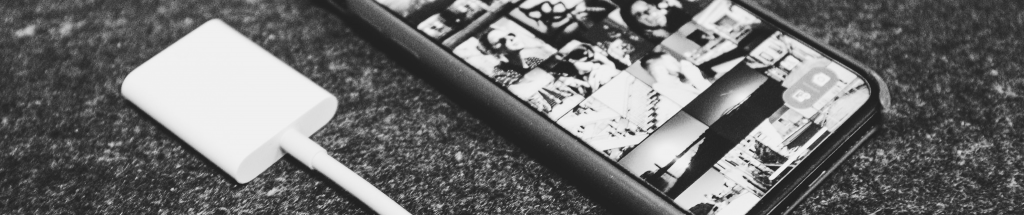
Mein Workflow ist mittlerweile zu 90% auf die Nutzung des iPad Pro mit Apps wie Adobe Lightroom CC umgestellt. Auf das MacBook greife ich nur noch sehr selten zurück. Das iPad kann ich überall mitnehmen, der Akku hält ewig und ich fühle mich total unabhängig mit dieser Lösung. Eine Schwachstelle gibt es aber: Die Einschränkungen bei der Nutzung von iOS in Bezug auf den Import von RAW oder JPEG. Fotografiert und importiert man nur JPEGs, dann hat man kein Problem. Will man immer nur RAW importieren, ja dann hat man auch kein Problem. Wenn man aber auf der Kamera beide Formate ablegt und es je nach Situation entscheiden will kommt es zum Problem. Sobald iOS beim Import von der SD-Karte ein RAW findet, wird das JPEG geflissentlich ignoriert. Nach langem Rumprobieren habe ich endlich eine Lösung gefunden!
WeiterlesenStreetphotography: Perfektionismus als Hindernis
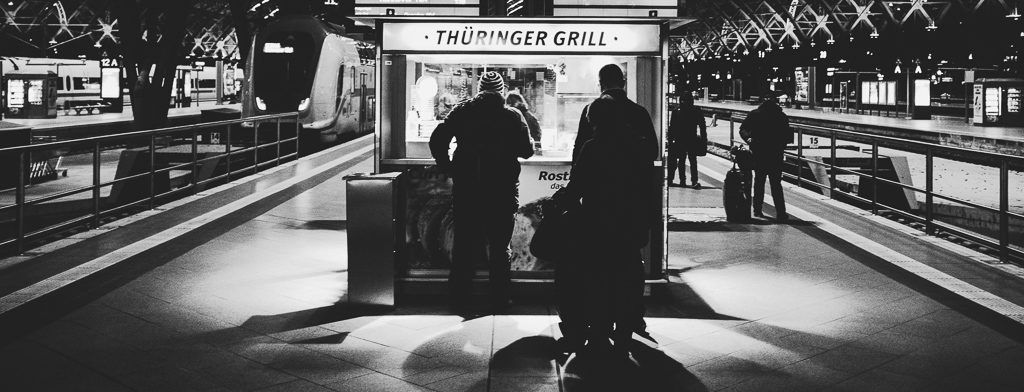
Irgendwie schleicht sich bei mir in Bezug auf die Fotografie – im speziellen im Bereich Streetphotography – immer wieder der gleiche Fehler ein, der mich total nervt. Ein geniales Video von Sean Tucker und ein bisschen Recherche zum britischen Fotografen Joshua K. Jackson hat mich diesmal auf dieses Thema gestoßen und daher nehme ich es zum Anlass, etwas zu meinem Problem zu schreiben.
Weiterlesen